How to Create a New Account in Mobile Legends: Bang Bang in 2026

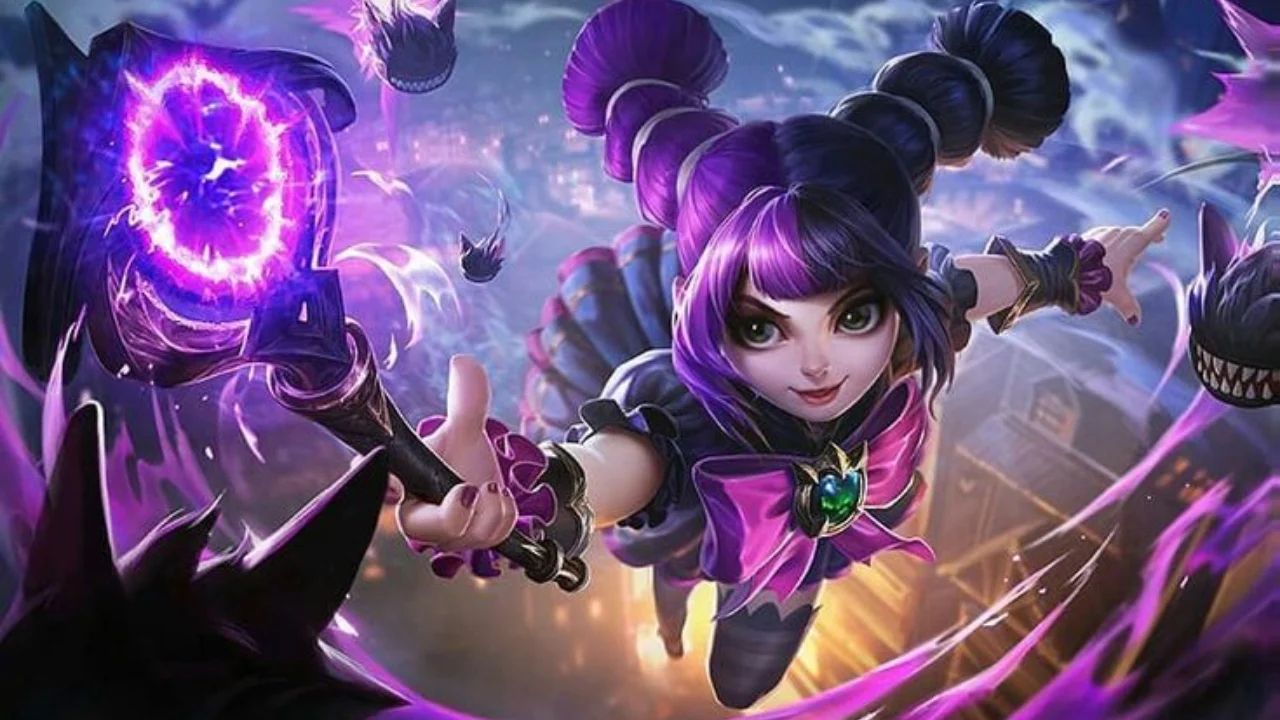
You might need a new Mobile Legends: Bang Bang account for various reasons. For beginners, it’s simple: when you launch MLBB for the first time, it will automatically create a guest profile, which you can link to your account after completing the tutorial.
It’s more complicated for those who already have MLBB installed and have a main account. The profile settings include a “Switch Account” feature, but it can only be used to log in to an existing, linked profile. Unfortunately, there’s no separate button for creating a new account in MLBB.
Let’s take a look at how to create a new MLBB account without losing your progress on the old one.
How to Create a New Account in Mobile Legends
If you’re launching Mobile Legends for the first time, you don’t need to register separately before starting the game. MLBB will automatically create a profile, which you’ll need to link to other services.
Launch the game, wait for the necessary files to load, and complete the tutorial. Choose a character name and continue completing the tutorial missions. Once you’ve completed the first stages, the rest of your profile’s features will become available.
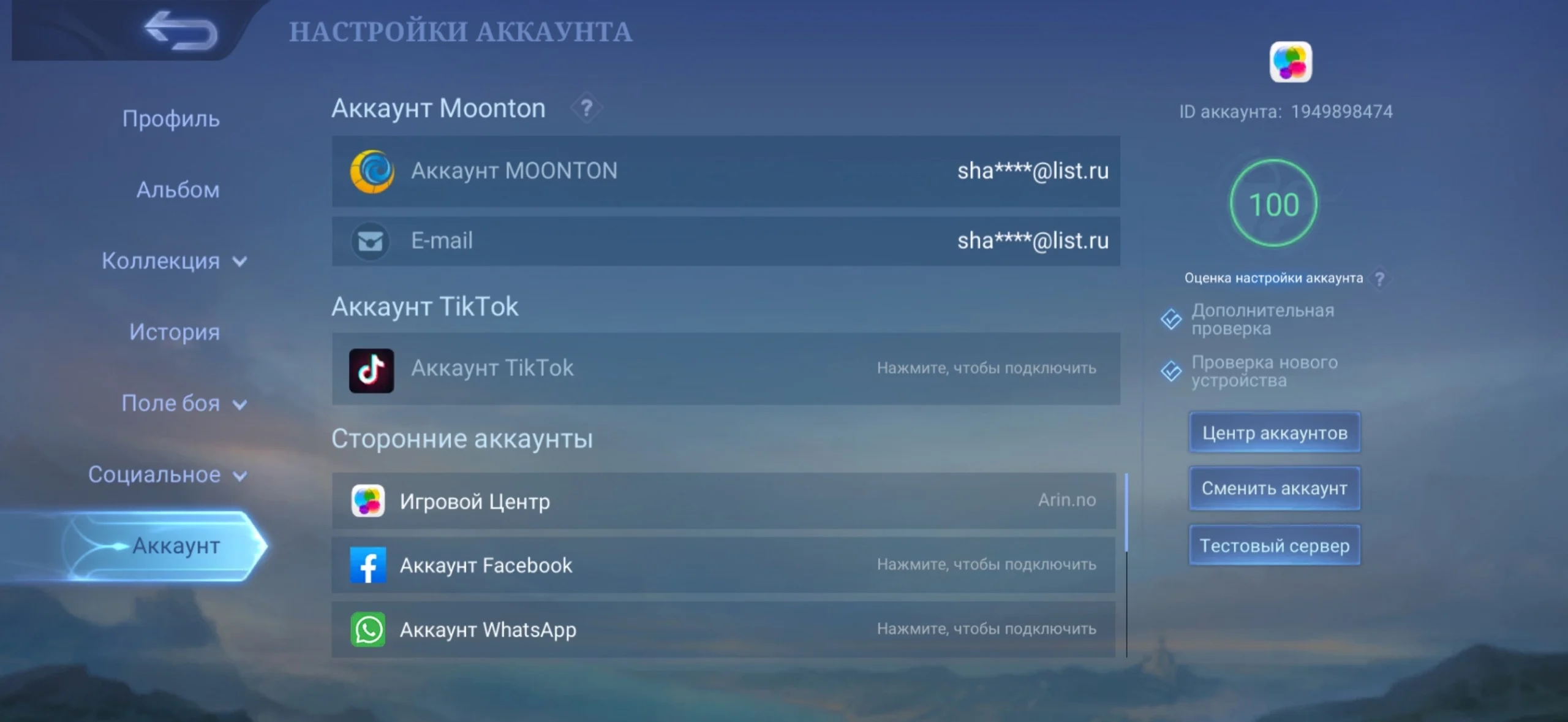
The most important step after that is to link your guest account. If you leave it only on your device, you may lose your progress after uninstalling the game, clearing its data, or switching to a new smartphone. To save your new profile, tap your avatar in the Mobile Legends main menu. Open the “Account” section and select “Link Account.”
The easiest way to create an M Account is via email. This is MOONTON’s own account system, which replaced the old MOONTON Account. New users simply need to provide a valid email address and complete the verification process. Additionally, you can link your profile to a third-party service available on your device, such as Google, Apple, or another supported platform—you can even do this through TikTok. It will be easier to regain access if you have more than one linked account. Use only your own email address and accounts to which you’ll always have access.
How to Create a Second Account in MLBB
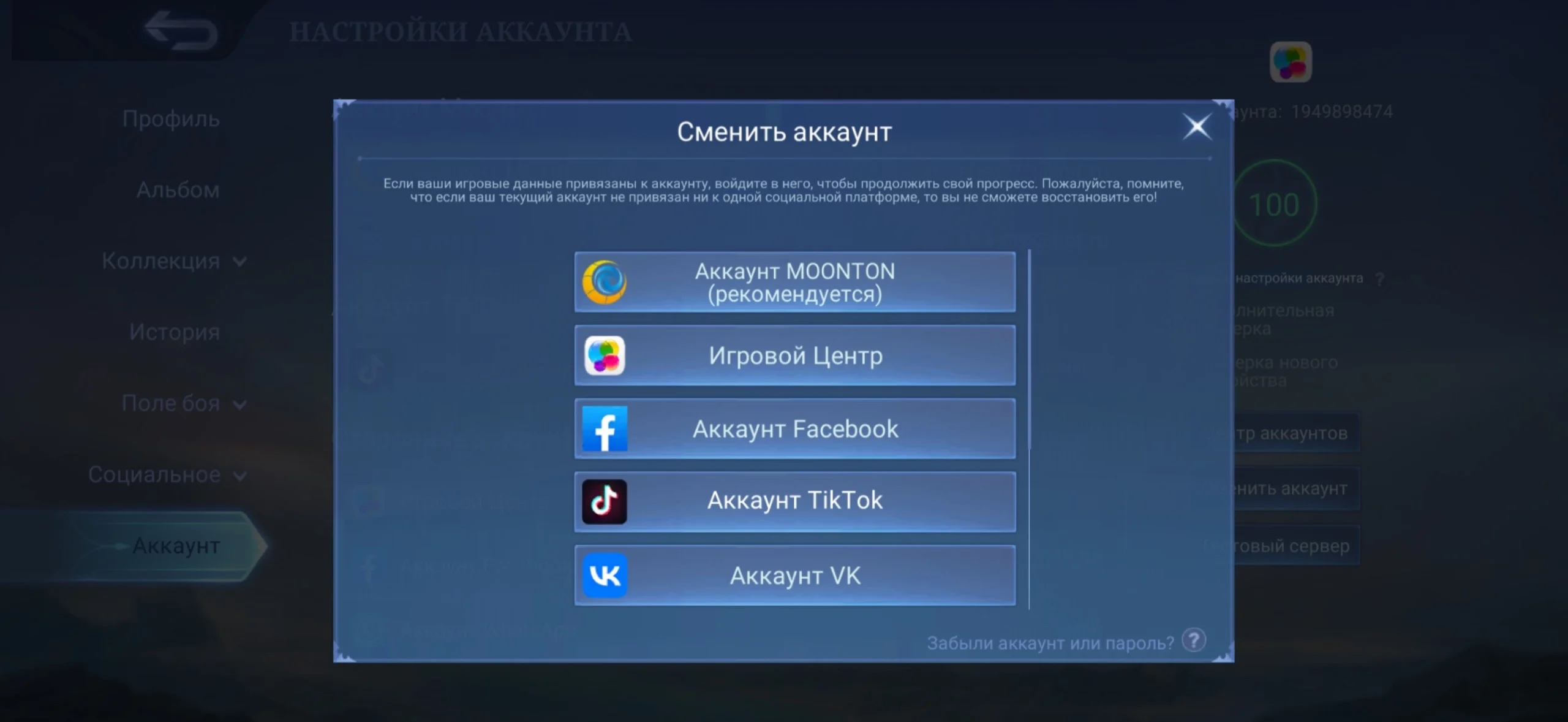
If you already have an MLBB account on your smartphone, be sure to secure it first. Open your profile, go to the “Account” section, and make sure your main profile is linked to an M Account or another authentication method whose details you remember.
Do not proceed to create a second account if your main profile is still a guest account. If you delete the app or its data, you may permanently lose your progress. According to Mobile Legends’ rules, MOONTON does not guarantee the restoration of a guest account after game data is deleted. Once you’ve linked your main profile, you can create a second one.
Method 1: Using another device.
You’ll need a smartphone or tablet that hasn’t been used with Mobile Legends yet, or one that doesn’t have the main account you need.
Install Mobile Legends: Bang Bang and launch the game. MLBB will create a new guest profile. Complete the tutorial, choose a name, and wait until the account settings become available. Then tap your character’s avatar and open the “Account” section. Create a separate M Account for the new profile using a different email address.
Under no circumstances should you link the second profile to the same account that’s already being used for your main account. Once linked, the second account will be saved on the servers. Now you won’t need an additional device. On your main smartphone, you can switch between the two profiles directly through Mobile Legends.
Method 2. For Android users: using cloning.
Some Android smartphones allow you to create a separate copy of an installed app. Depending on the manufacturer, this feature may be called “App Cloning,” “Dual Apps,” or something similar.
If Mobile Legends is available for cloning on your smartphone, create a separate copy of the game through your device’s system settings and launch it. The cloned app uses its own data, so MLBB may open as if it were being launched for the first time. This is exactly what we need. Complete the tutorial and immediately link the profile to a separate M Account. After that, you don’t have to use the cloned version. You can also access the new profile in the main app using the account-switching feature.
If your phone’s built-in feature doesn’t support Mobile Legends, it’s safer to use a different device than to clear the main game’s data.
We do not recommend third-party cloning apps like Parallel Space. Such programs gain additional access to apps and account data, and their compatibility with MLBB after updates is not guaranteed.
This method is not available to iPhone users—there is no built-in feature for this. In this case, you’ll have to use the first method.
Frequently Asked Questions (FAQ)
Да. Mobile Legends позволяет использовать несколько привязанных профилей и переключаться между ними. Однако отдельной кнопки для создания второго аккаунта внутри уже используемого профиля нет.
Перед любыми действиями привяжите основной профиль к M Account или другому доступному способу входа. После этого создайте новый профиль на другом устройстве или в отдельной копии приложения и также сразу привяжите его.
На Android это возможно, если смартфон поддерживает клонирование Mobile Legends или отдельные пользовательские профили. На iPhone встроенного клонирования приложений нет, поэтому надёжнее сначала создать новую учётную запись на другом устройстве, а затем войти в нее на iPhone.
Нет. Более того, удалять игру с гостевым основным профилем опасно: непривязанный прогресс можно потерять. Безопаснее создать второй профиль на другом устройстве или в независимой копии приложения.
Для отдельного M Account лучше использовать собственную электронную почту для каждого игрового профиля. Так учетные записи не будут конфликтовать, а восстановить доступ к нужному аккаунту будет проще.