Fortnite Tracker: Player Stats, Tournaments, and the Fortnite Skin Tracker


Fortnite Tracker is an indispensable tool for gamers. It helps you keep track of your stats, match results, and account progress. With Fortnite Tracker, you can view your K/D ratio, number of wins, season history, and rank. Fortnite Tracker also displays tournaments with leaderboards and features a Fortnite skin tracker that helps you keep track of returning skins and new skins added to the store.
What is Fortnite Tracker and what data does it display?
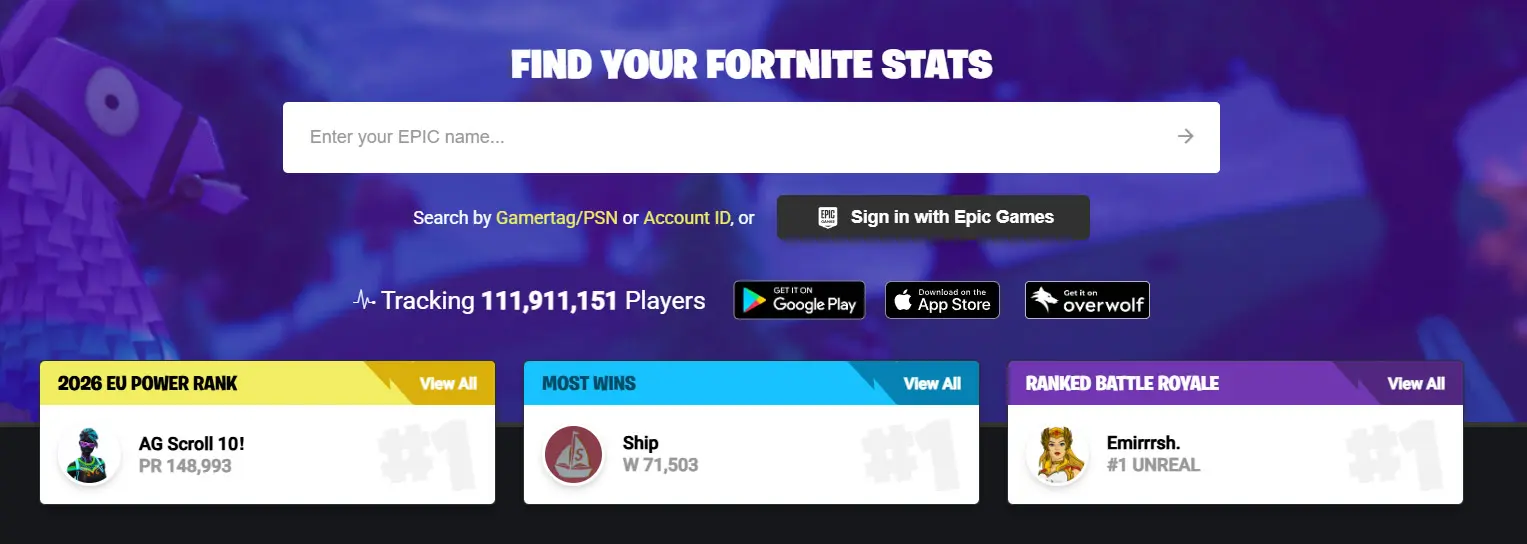
Fortnite Tracker is a service for viewing statistics in Fortnite. It collects data from matches and displays account information: number of wins, number of games played, kill-to-death ratio, win rate, and results in various modes. You can use the service to track your own progress or compare your stats with friends and other players.
Once you connect your account, Fortnite Tracker saves your match history and displays statistics for individual seasons. Players can see how their results have changed over time, how many matches they’ve played in a day or a week, and in which modes they perform best. Analyzing these statistics and working on your weaknesses helps improve your performance in the game.
In addition to player statistics, Fortnite Tracker offers additional tools. The site also features a Fortnite skin tracker, which helps you keep track of when your favorite skins return to the in-game store.
How to View Your Stats via Fortnite Tracker
To view your stats, you’ll need an Epic Games account and your in-game username. Simply go to the Fortnite Tracker website and enter your username in the search bar. The service will find your profile and display key metrics: number of matches, wins, win percentage, K/D ratio, average eliminations, and statistics for various game modes.
Once the profile has loaded, you can navigate to individual sections. Here you’ll find data for the current and past seasons, a history of recent matches, ranking changes, and results in ranked mode. Fortnite Tracker also shows how a player’s metrics compare to the averages of other users.
If the statistics aren’t displayed, check your Epic Games account’s privacy settings. In some cases, the data doesn’t appear immediately, especially if the player hasn’t logged into the game in a while or recently changed their username. After playing a few matches, the information usually updates automatically and becomes available in your profile.
Fortnite Skin Tracker: How to Track Items and the In-Game Store
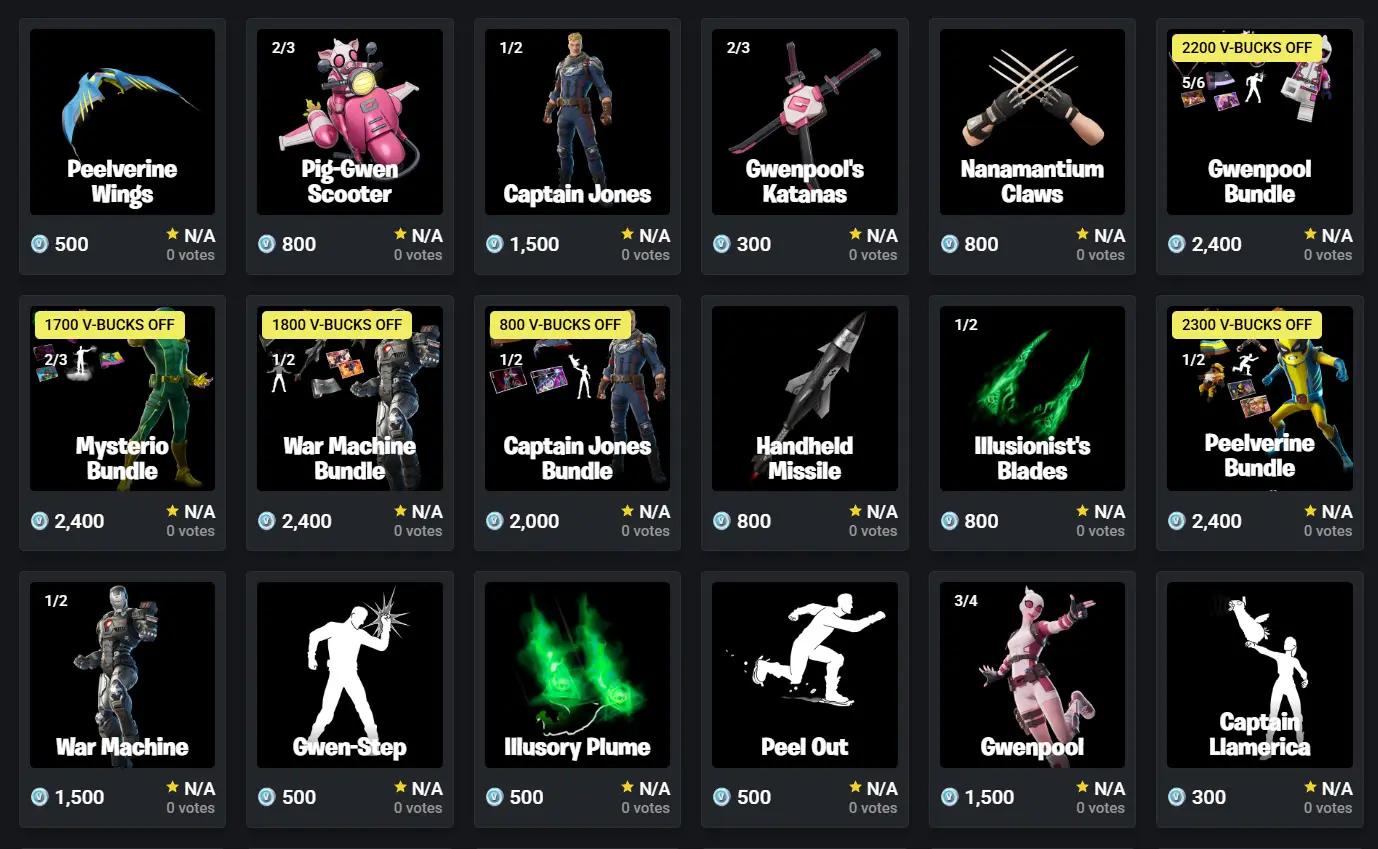
The Fortnite Skin Tracker is also available on the same website. It helps you keep track of the return of skins, emotes, pickaxes, and bundles. The service lets you find out an item’s price, the date of its last appearance, and its sales history.
If the skin you want isn’t in the store, you can add it to your favorites and wait for its next appearance. After that, you won’t need to log into the game or manually check for updates to the Fortnite store.
Frequently Asked Questions (FAQ)
Введите игровой ник в строку поиска на сайте, после чего сервис покажет статистику аккаунта: количество побед, K/D, историю матчей и данные по сезонам.
Чаще всего причина связана с настройками конфиденциальности аккаунта, недавней сменой никнейма или отсутствием сыгранных матчей за последнее время.
Да, основные функции сервиса доступны бесплатно. Без подписки можно смотреть статистику игроков, турнирные таблицы и магазин предметов.
Для этого используют скин трекер Фортнайт. Он показывает историю появления предметов и позволяет отслеживать возвращение популярных обликов и наборов.
Да, сервис не требует установки сторонних программ и не влияет на игровой аккаунт. Для просмотра статистики достаточно указать игровой ник или войти через Epic Games по желанию.