World of Tanks Mods by Lesta: The Best Mod Packs and How to Install Them

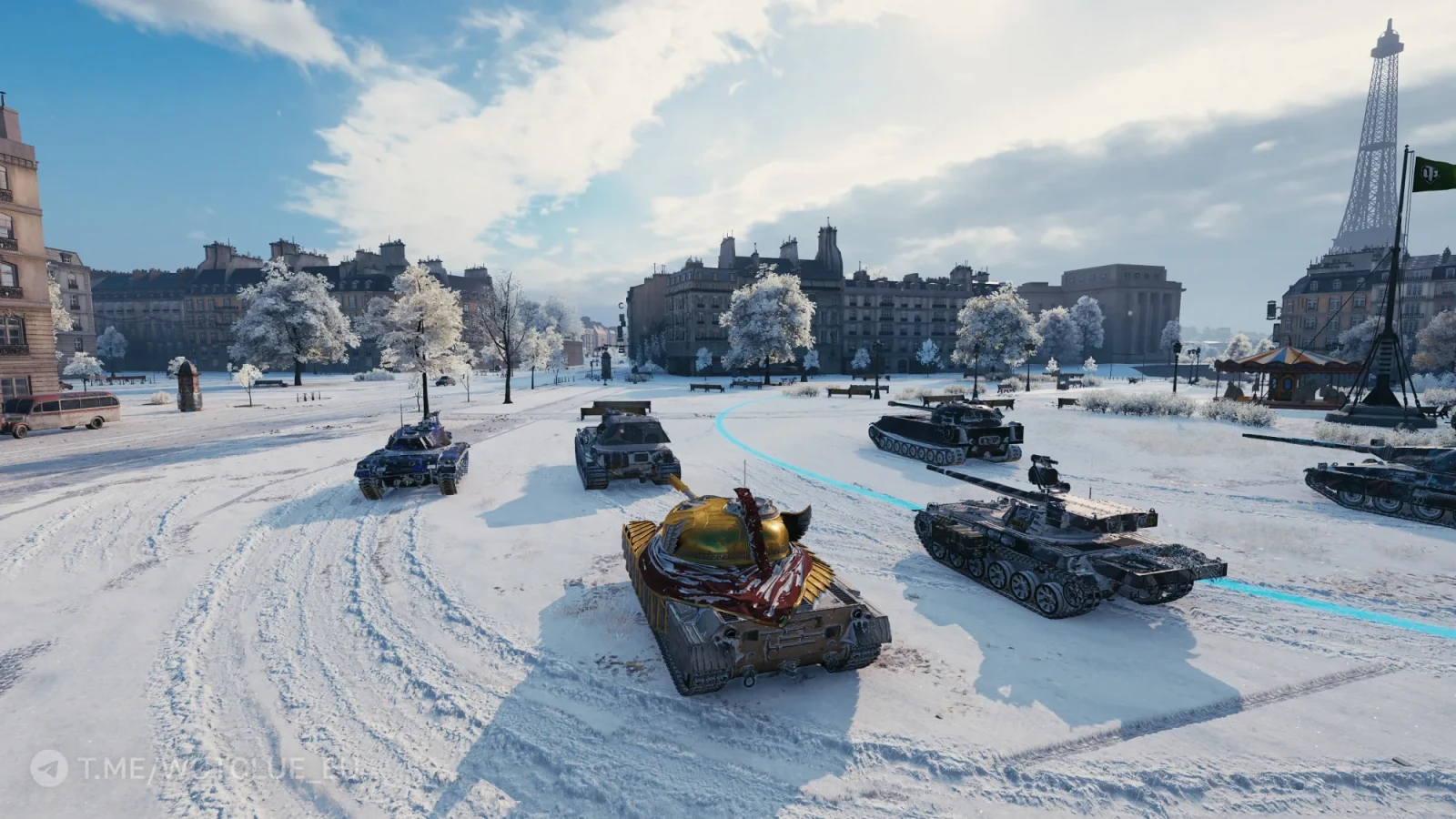
Lesta’s World of Tanks mods help customize the game’s interface, add useful statistics, and make battles more convenient. Players install crosshairs, improved mini-maps, detection indicators, and other add-ons that don’t affect game balance but simplify controls and information gathering. In this article, we’ll cover which World of Tanks mods are popular, where to download World of Tanks mod packs, and how to install ProTanks mods for World of Tanks and other builds.
What Are World of Tanks Mods and Why Are They Needed
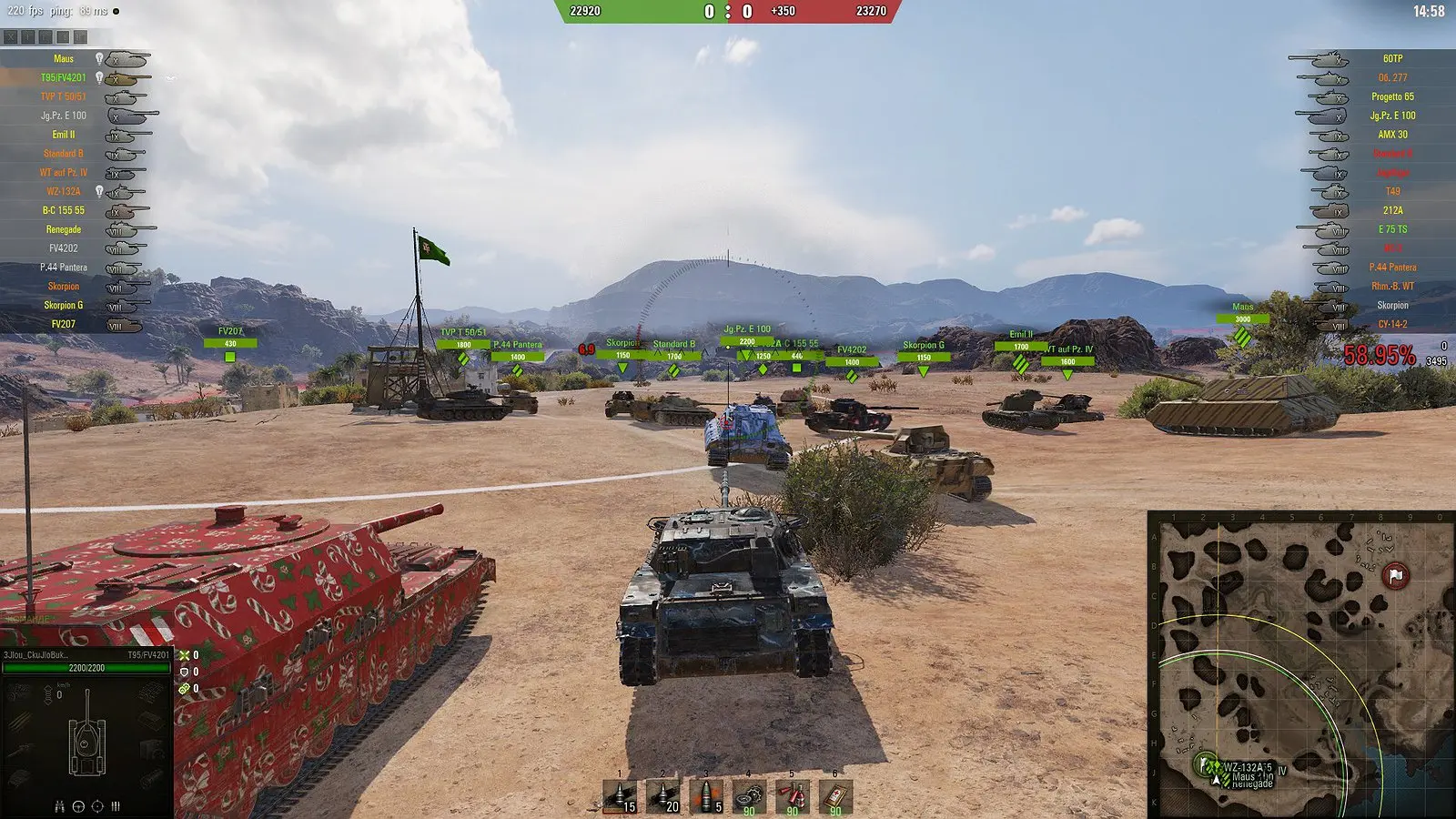
World of Tanks mods are user-created modifications that alter the game’s interface and add new features. With them, you can install a different crosshair, an expanded minimap, damage counters, exposure indicators, and a more user-friendly post-battle screen.
Most players use mods to get information faster during battle and to customize the interface to their liking. However, mods do not increase vehicle stats or provide an advantage, provided they are on Lesta’s list of approved add-ons.
How to Install Mods on World of Tanks
Players can install mods on World of Tanks manually or through the MOST mod manager. If you want to install just 1–2 mods, you can do so manually—it’ll be faster that way. However, if you want to use a streamer’s build or put together something of your own on a larger scale, it’s better to install a mod manager so you don’t get confused by the mod installation process.
How to Install Mods on World of Tanks Manually
- Download the archive or mod.
- Extract it if it’s an archive. You’ll need a file with the .wotmod extension.
- Place the .wotmod file in the game’s installation folder—World of Tanks/mods/current patch number.
- Place the remaining mod files in the World of Tanks/res_mods/current patch folder.
- After that, launch the game and check that the mod is working.
How to Install Mods Using a Mod Manager
For players of Lesta’s World of Tanks, there’s a mod manager called MOST that makes it easy to find, enable, and disable mods. You can view previews of sights, skins, and more right within the program.
- Download MOST from the developers’ website.
- Install it anywhere.
- Launch the program and wait for the manager to detect your version of World of Tanks.
- Select the mods you want from the list, then click the checkmark to download them.
- Click “Play”—the game will launch immediately with the mods applied.
ProTanks Mod for World of Tanks
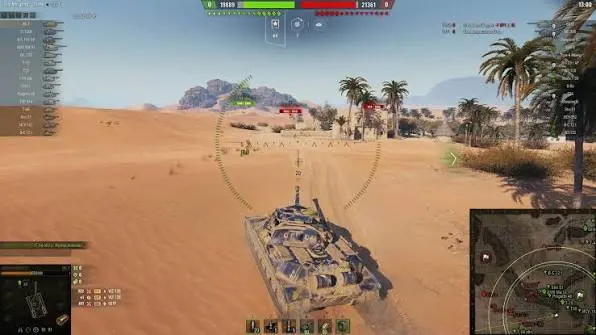
The Protanki mod is one of the most popular modpacks for World of Tanks by Lesta. Its main feature is the large number of add-ons bundled into a single installer. Players can choose a pre-made configuration or install only the mods they need: sights, an improved minimap, damage panels, advanced statistics, exposure indicators, and various garage options.
Another advantage of this build is that it offers several versions of the modpack tailored for different computers. The installer includes both lightweight and advanced mod sets, as well as ready-made presets that don’t significantly impact game performance.
You can download the modpack from the modders’ official website.
Levshi’s Modpack for World of Tanks
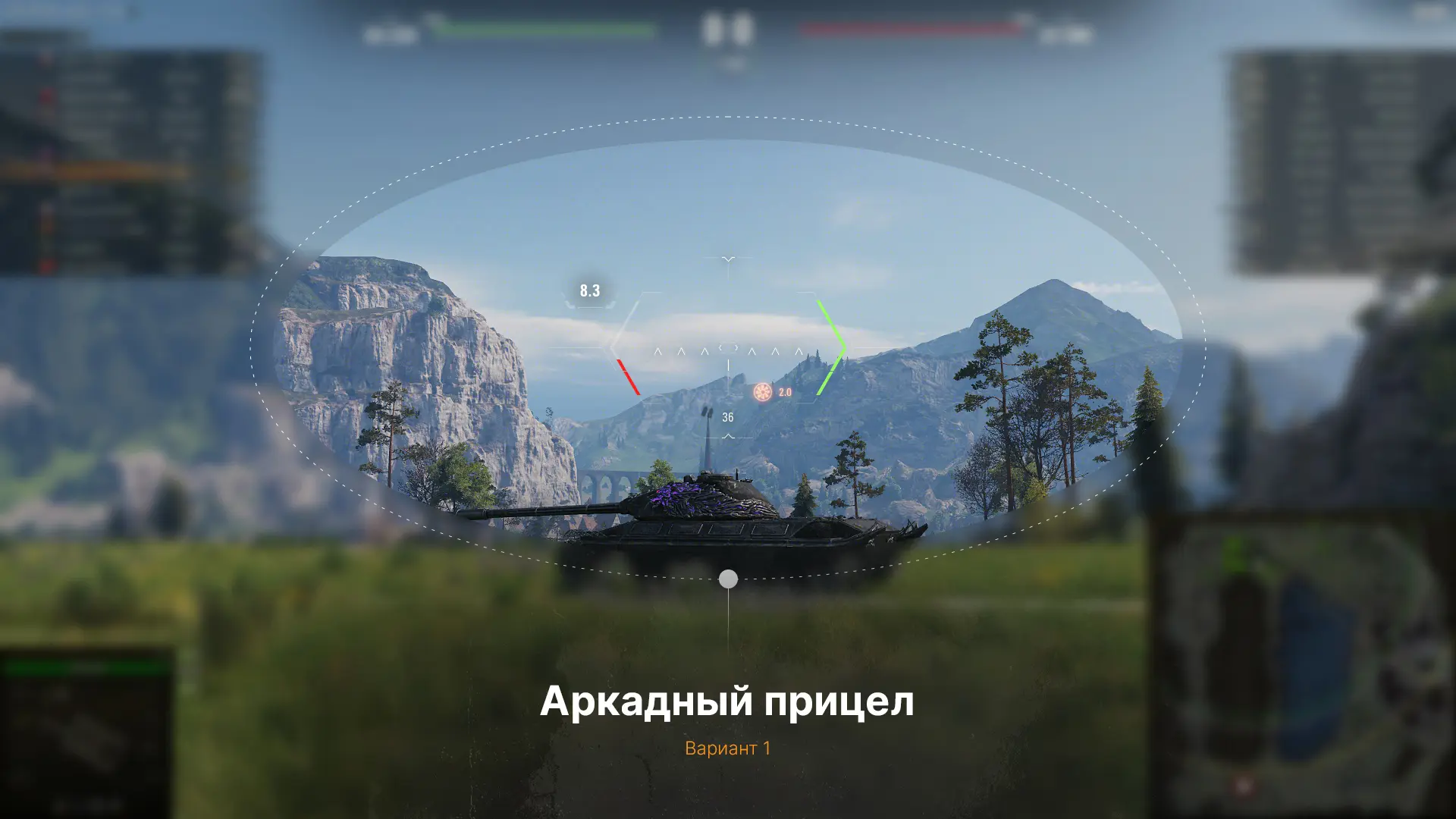
The Levshi Modpack differs from other builds in that it doesn’t try to add dozens of unnecessary features to the game. Its main focus is on minimalism and usability. The collection includes only the most sought-after mods: improved sights, a team durability panel, exposure indicators, barrel mark calculations, a replay manager, and advanced PMOD settings. At the same time, all elements are designed in the style of the standard interface and don’t clutter the screen with unnecessary information.
Another feature of the mod pack is preset configurations from LeBwa himself and other well-known players. The modpack includes session statistics, results from previous battles displayed in real time during a match, a zoom magnification increase up to x24, a commander’s camera, and colored penetration markers. Thanks to the small number of mods, this modpack has virtually no impact on client performance and is ideal for players who want useful tools without complicated configuration or a cluttered interface.
It can be downloaded from the modder’s official website.
Is it safe to use mods for World of Tanks, and which ones are banned?
Most World of Tanks mods by Lesta are safe, provided they do not give the player an advantage in battle and are downloaded from verified sources. Permitted mods include aim assist, an improved minimap, damage panels, session statistics, and other interface changes. Lesta officially supports the use of such modifications.
Cheat mods are banned: aimbots, the “Tundra” mod, enemy position indicators, enemy reload timers, mods that reveal vehicles without being detected, and other add-ons that provide an unfair advantage. Using banned mods can result in a temporary or permanent account ban, so before installing any add-ons, make sure they comply with Lesta’s World of Tanks rules.
Frequently Asked Questions (FAQ)
Да, если устанавливать только разрешённые модификации, которые не дают преимущества в бою и не нарушают правила Лесты.
Под запретом находятся чит-моды: аимботы, «Тундра», моды на отображение противников без засвета, таймеры перезарядки врага и другие дополнения, влияющие на игровой процесс.
Лучше использовать только официальные сайты разработчиков модпаков и проверенные источники. Скачивание модов с неизвестных ресурсов может привести к заражению ПК вирусами.
Да. За использование читов Леста может выдать как временную, так и постоянную блокировку аккаунта в зависимости от тяжести нарушения.
После крупных патчей некоторые моды могут перестать работать. Обычно разработчики модпаков выпускают обновлённые версии в течение нескольких дней после выхода нового клиента игры.