Training Maps in PUBG: The Best UGC Maps for Aiming and Shooting

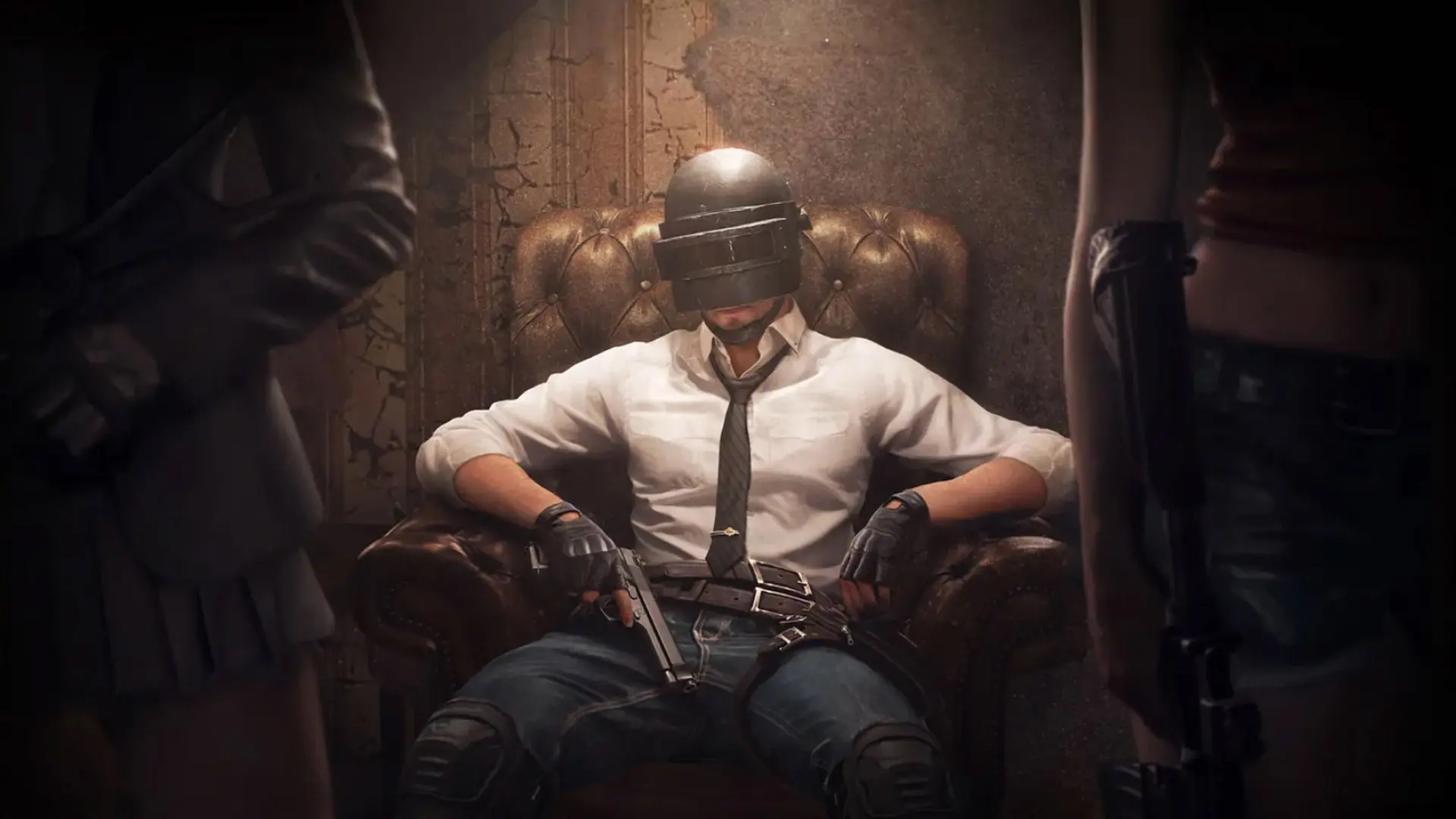
If the standard training ground isn’t enough, you can use user-created (UGC) maps in PUBG on PC. These maps are great for practicing recoil control, reaction times, shooting at moving targets, and other in-game skills. In this article, we’ve compiled the best maps for practicing aim and explained how to install them.
The Best Maps for Training in PUBG
UGC maps let you train against moving bots and customize your weapons, target distances, and other settings. That’s why they’re more effective than the standard training ground for your daily warm-up.
Aim Training is a map designed to practice shooting accuracy. On it, players enter several separate rooms with different exercises: shooting at stationary and moving targets, reaction time training, and flashbang drills. The map lets you quickly warm up before ranked matches and is suitable for any weapon.
Training Mode is the most versatile training mode. On this map, you can practice shooting at close, medium, and long ranges (up to 750 meters), throwing grenades, driving vehicles, and even parachuting. In addition, the author has added a variety of settings: you can adjust the bots’ difficulty, speed, and equipment, enable headshot-only mode, and customize other parameters.
Rush Mode (Defense) is a training map where you must fend off waves of bots. The player independently chooses the number of enemies, the distance at which they appear, and the spawn mode (continuous stream or waves). This mode is great for developing reaction time, the speed of switching your aim between targets, and recoil control during prolonged firefights.
Mirage in PUBG is a custom map inspired by the legendary Mirage map from CS. It’s a full-fledged mode featuring a bomb plant, weapon purchases at the start of each round, and an in-game economy. Upon death, players lose all purchased gear, so they must manage their money wisely, just like in CS.
CS Flying Scoutman (PUBG Version) is another map based on a mode from CS. It features fast-paced 2v2 duels, and players constantly use sniper rifles and take advantage of their increased mobility. This mode helps you practice your sniper accuracy and reaction time in dynamic firefights.
How to install a training map in PUBG
All maps must be downloaded manually and added to the game.
- Download the map using its code or UGC file.
- Launch PUBG: Battlegrounds.
- Go to the UGC section.
- Import the map and wait for it to load.
- Start the training mode and select the weapon you want.
Standard Training Ground
If you don’t want to install custom maps, PUBG already has a built-in training mode. At the training range, you can test any weapon, adjust sensitivity, practice shooting at targets, and so on.
What about PUBG Mobile?
PUBG Mobile doesn’t have user-created UGC maps for aim training, but the developers have added their own training range. It has the same functionality as in the main game.
Frequently Asked Questions (FAQ)
Популярнее всего карты Aim Training и Training Grounds, где можно отрабатывать стрельбу на разных дистанциях.
Да. В игре есть встроенный тренировочный полигон с тиром и возможностью выбрать любое оружие.
Да. Помимо стандартного полигона, в творческом режиме доступны пользовательские тренировочные карты по кодам.
Авторы UGC регулярно выпускают новые тренировочные карты и обновляют уже существующие.