Why won’t Brawl Stars launch on my iPhone, and what should I do?

Brawl Stars may not launch on an iPhone for various reasons. For Russian users, the problem is often related to regional restrictions or an outdated version of the game; however, sometimes the issue lies with the internet connection, a VPN, server outages, or the smartphone itself.
First, you should determine exactly what’s happening. If Brawl Stars is installed but freezes during loading, there’s one solution. If the game closes immediately or prompts you to update, you’ll need to look elsewhere for the cause. Let’s break down the main scenarios and how to fix them.
Read also: Why Brawl Stars Isn’t Working and What to Do
Why Brawl Stars Won’t Launch on an iPhone
Regional Restrictions
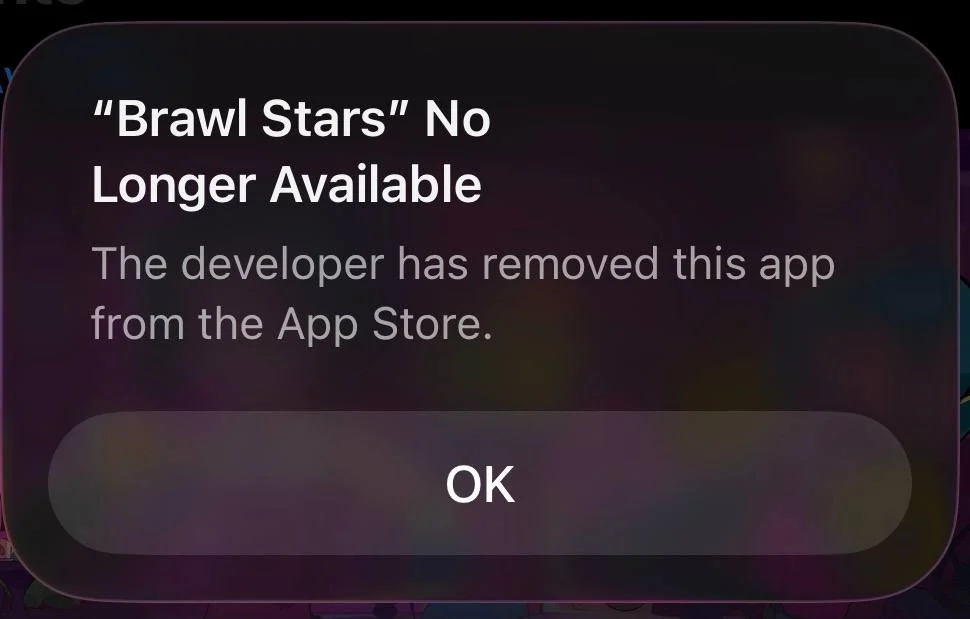
On March 9, 2022, Supercell removed its games from the Russian and Belarusian app stores and announced restrictions on access for users from those countries. In April 2023, players from Russia and Belarus began receiving a message upon launching Brawl Stars stating that their current location does not allow them to log in. If the game is installed, reaches the connection stage, and then reports a location restriction, this is most likely the issue.
To gain access, Russian players use a VPN or special DNS services. If you’ve already set this up but Brawl Stars has stopped launching, try a different VPN server or check that the DNS service you’re using is working properly.
However, a foreign Apple ID alone does not remove regional restrictions. It’s primarily needed to download and update Brawl Stars through the App Store. We’ve covered this process in more detail in a separate guide on installing and updating Brawl Stars on an iPhone.
Brawl Stars hasn’t been updated in a long time
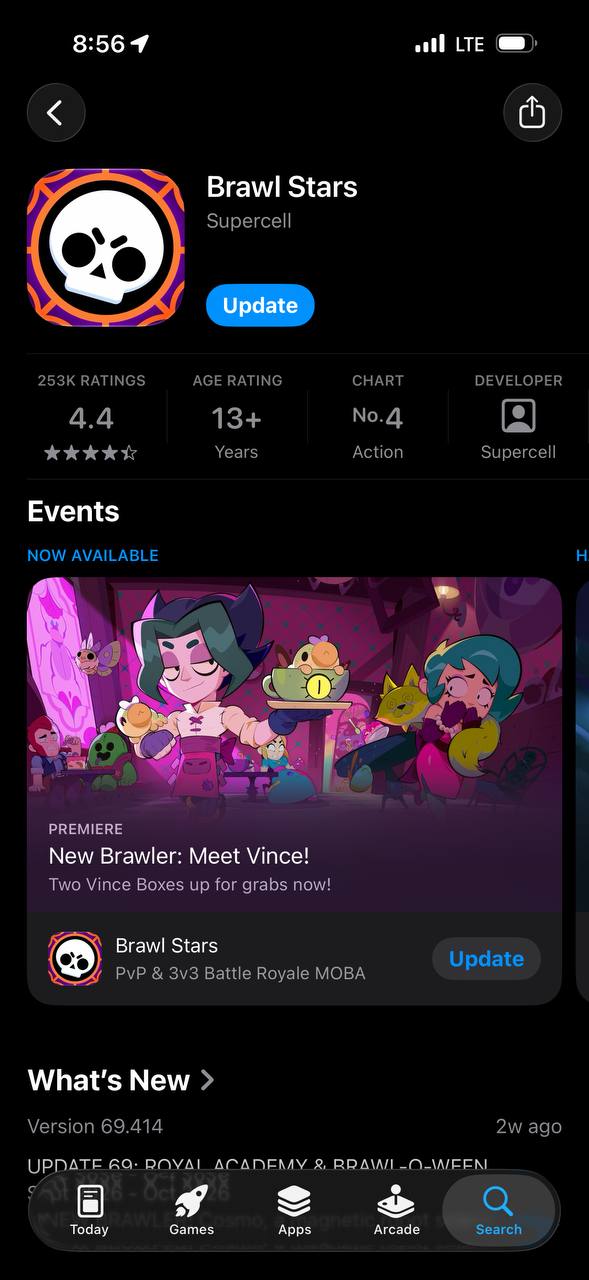
After a mandatory update is released, the old version of Brawl Stars often stops connecting to the servers right away. Usually, the game notifies you that you need to install the latest client. For Russian users, this presents an additional challenge—Brawl Stars isn’t available in the Russian App Store, so the standard update isn’t accessible.
In this case, open the App Store using a foreign Apple ID, tap the profile icon, and check the list of available updates. If Brawl Stars isn’t there, find its page using the App Store search. You don’t need to completely sign out of iCloud on your iPhone. To download apps, simply switch accounts in the “Media & Purchases” section.
You shouldn’t use other people’s Apple IDs or purchased ones. It’s safer to create your own international account and keep permanent access to it.
Outdated iOS version or unsupported iPhone
The current version of Brawl Stars requires at least iOS 14, 1 GB of RAM, and a screen with a resolution of at least 640×960. Supercell specifically warns that even meeting the minimum requirements does not guarantee the same level of stability across all iPhone models. The same requirement is listed on the current Brawl Stars page in the App Store—the app runs on iOS 14.0 and later. Because of this, for example, the iPhone 6 is no longer compatible with the current version of the game, since it is not officially supported on iOS 14.
You can check your system version in “Settings.” Open the “General” section, then tap “About This Device” and look for the “iOS Version” line. If a newer system update is available for your smartphone, install it. If your model no longer supports iOS 14 or later, you won’t be able to resolve the compatibility issue through software—you’ll need a more modern device to play the latest version of Brawl Stars.
Internet, VPN, or DNS Issues
If Brawl Stars opens but gets stuck loading for a long time or can’t connect to the server, you should check your connection. First, switch from Wi-Fi to mobile data or vice versa. If the game launches on the other network, the problem is related to your original connection, router, or your ISP’s routing.
If you’re using a VPN, try switching to a different server. You don’t necessarily need to choose a country that’s very far away: a long route can increase latency and make the connection less stable. The VPN itself can also cause network issues. Apple notes that VPN apps and other software that interferes with network connections sometimes block specific connections. In such cases, the company recommends restarting your device and testing the connection via a different network.
If you’re using a special DNS configuration to access Brawl Stars, temporarily disable it and test the standard connection. If the internet works in other apps but the game stops launching specifically when using that particular DNS, the problem is likely with the service you’re using.
Don’t reset all your iPhone’s network settings right away. First, try checking another network and connection method.
Brawl Stars servers are down
Sometimes the problem isn’t related to your phone at all. During maintenance or a server outage, Brawl Stars may freeze on launch, display a connection error, or fail to load matches. A widespread outage is especially likely if the game suddenly stops working for multiple users at once while their internet connections are functioning normally.
Try launching Brawl Stars first over Wi-Fi, then over a mobile network. If the result is the same and changing your VPN or DNS doesn’t help, check the official Brawl Stars channels and posts from other players. During a widespread outage, reinstalling the app, changing your Apple ID, or resetting your iPhone’s settings is pointless. All you can do is wait for the servers to be restored.
Brawl Stars crashes on launch
If the Brawl Stars splash screen appears after you tap the icon but the app then closes, the problem may be with the app itself or your device. Start with the simplest solution: completely close Brawl Stars via the app switcher and restart it. If that doesn’t help, restart your iPhone. Apple also recommends checking for updates to the app itself and to iOS when you’re having trouble launching apps.
It’s also worth checking your available storage. Open “Settings,” tap “General,” and then “iPhone Storage.” There, you’ll see your remaining storage space and the apps that are taking up the most space. If your storage is almost full, delete unnecessary files or uninstall apps you rarely use, then try opening Brawl Stars again.
Reinstalling the game should be your last resort. Before uninstalling, make sure your game progress is saved via Supercell ID. Also, check in advance that you still have access to your international Apple ID: without it, you won’t be able to re-download Brawl Stars from the Russian App Store.
If your iPhone meets the requirements, Brawl Stars and iOS are up to date, and the game continues to crash constantly, you can contact Supercell support and describe the problem in detail. The company itself recommends doing this if your device meets the minimum requirements but the issues persist.
Frequently Asked Questions (FAQ)
Одна из главных причин — региональные ограничения Supercell. Если появляется сообщение о невозможности входа из текущего местоположения, проблема не связана с неисправностью iPhone. Для доступа игроки используют VPN или специальные DNS-сервисы
Причиной может быть нестабильный интернет, неработающий VPN или DNS, региональное ограничение либо временный сбой серверов. Сначала попробуйте сменить Wi-Fi на мобильную сеть и проверить другой способ подключения.
Проверьте версию игры и iOS, перезагрузите iPhone и убедитесь, что в хранилище осталось свободное место. Актуальная Brawl Stars требует iOS 14 или новее.
В российском App Store игра недоступна. Для скачивания актуальной версии понадобится собственный Аккаунт Apple региона, где Brawl Stars присутствует в магазине.
Не сразу. Сначала перезапустите приложение и iPhone, проверьте интернет, VPN или DNS, обновления Brawl Stars и iOS, а также свободное место. Переустановка — последний вариант, и перед ней важно убедиться, что аккаунт привязан к Supercell ID.