Black Screen and Freezes in Rocket League: What to Do and How to Fix It

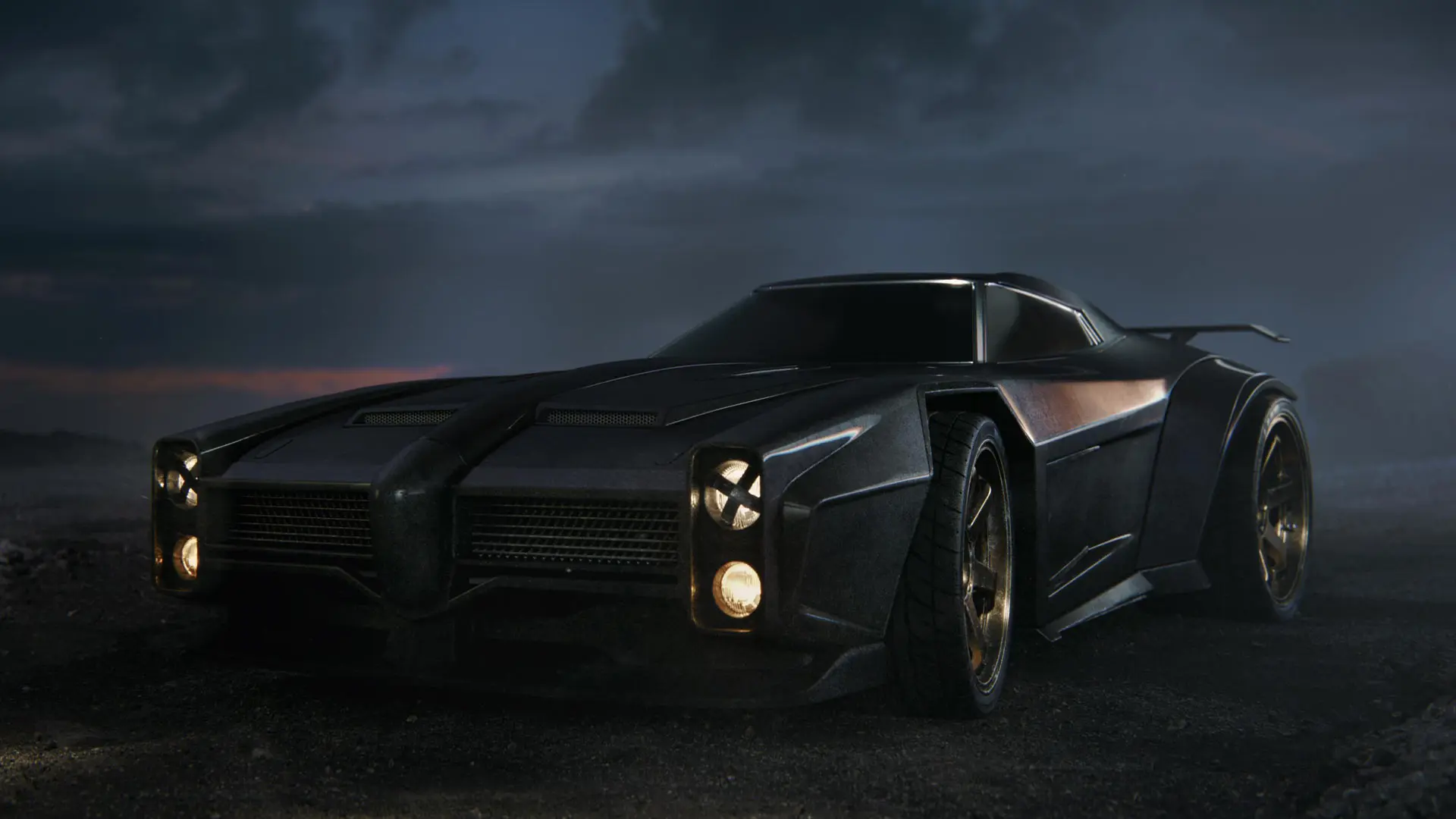
If Rocket League launches with a black screen or freezes during a match, the cause could be display settings, corrupted files, or a conflict with background programs. Below, we’ll walk you through what to do if you encounter a black screen in Rocket League and how to fix freezes on your PC.
What to Do If You Get a Black Screen in Rocket League
If you can hear sound but see no image, start by switching to windowed mode. This is the mode recommended by game support for display issues. Test the game after each step.
- Exit the game. Press Ctrl + Shift + Esc, locate Rocket League in Task Manager, and end the process if it won’t close normally.
- Enable windowed mode. Add the -windowed command to the game’s launch options. In Steam, the relevant field is located under “Properties” > “General” > “Launch Options.” In the Epic Games launcher, find the additional launch arguments for Rocket League.
- Check the resolution. If the image appears, open the video settings and select a resolution supported by your monitor. Leave it in windowed mode for now.
- Verify the game files. In the Epic Games library, click the three dots next to Rocket League — “Manage” — “Verify.” The launcher will repair any corrupted files without affecting your saves.
- Update your graphics card driver from the official NVIDIA, AMD, or Intel website, then restart your computer.
- Disable mods and background programs that interact with the game: overlays, screen recorders, and third-party tools. Try launching the game again without them.
What to Do If Rocket League Freezes
If Rocket League stops responding, end the process via Task Manager and restart the game. If the game keeps freezing, close any unnecessary applications, disable mods, and stop any background gameplay recording. Then check the game files and update your graphics card driver.
If the freezes are accompanied by a drop in FPS, try lowering the resolution and graphics quality. Test the game in windowed mode. Change settings one at a time to determine what affects stability.
Another option is to clear the cache. Close the game, open “Documents” > My Games > Rocket League > TAGame, and delete only the Cache folder. Do not delete the entire TAGame directory, as it contains other user data. After that, launch the game again.
If the problem started after an update, check the list of known issues.
Frequently Asked Questions (FAQ)
Одна из возможных причин — настройки разрешения или режима отображения. Попробуйте запуск с командой -windowed.
Нет. Сначала проверьте файлы, драйвер видеокарты и работу игры без фоновых программ.
Только Cache внутри «Документы» — My Games — Rocket League — TAGame.