How to Play Rocket League with a Friend—Online and on the Same Screen

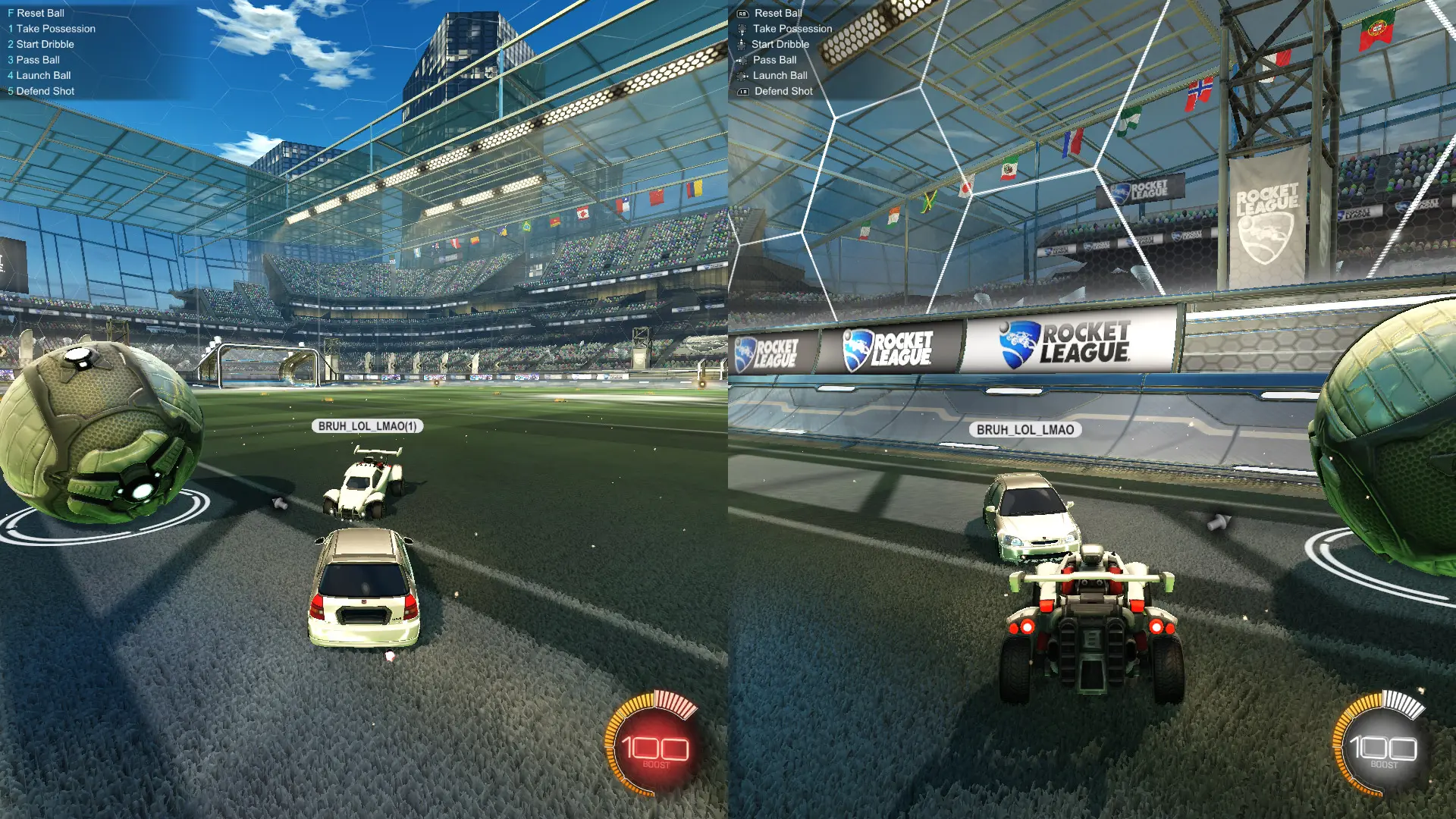
You can play Rocket League with a friend either online or on a single device using split-screen mode. In the latter case, each player will need a separate controller, and the screen will automatically split once the second player connects. Here’s how to play Rocket League with a friend on PC and consoles.
Can You Play Rocket League with a Friend?
Rocket League supports local split-screen multiplayer. Players can participate in online matches together or create a local game and play without connecting to other users.
This feature is available on PC and consoles, though the process for connecting a second player varies slightly depending on the platform.
How to play Rocket League with two players on one screen
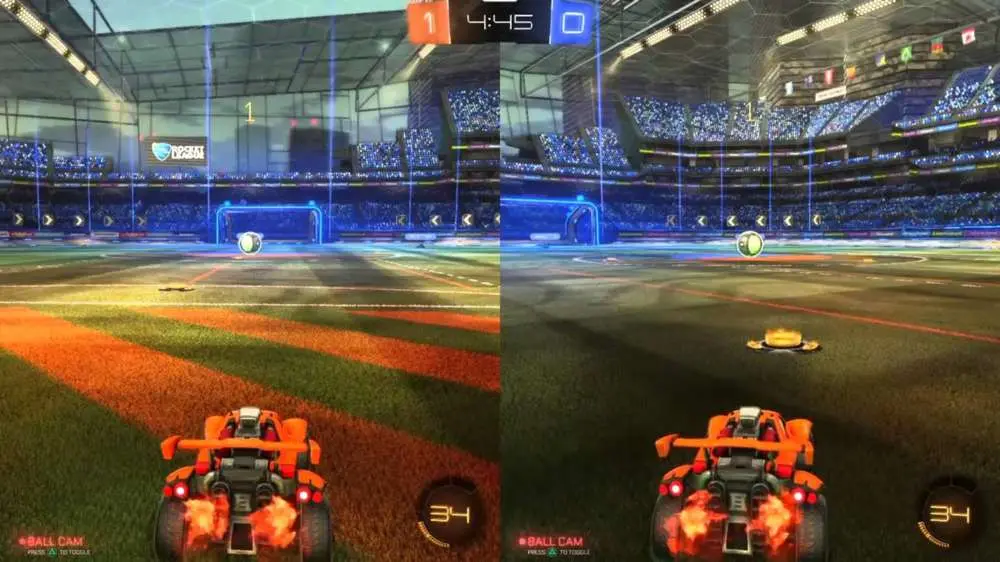
On PC, the easiest way is to use two gamepads or a keyboard for the first player and a controller for the second:
- Launch Rocket League and go to the main menu.
- Connect the second gamepad.
- On the second controller, press the Start or Options button.
- The second player will join the party.
- Select the desired mode and start a match.
If Rocket League doesn't recognize the gamepad or steering wheel, use x360ce—a program that sends input to the game as if it were coming from an Xbox controller. Download the appropriate version of x360ce, place x360ce.exe in the folder containing the game’s executable file, and run the program. Allow it to create a configuration file and an XInput file, then search for a profile for the connected device. Check the button mappings, adjust them manually if necessary, click Save, and launch the game. If the steering wheel has too much dead zone, you can reduce it using the Anti-Deadzone setting.
On PlayStation and Xbox, this is easier—connect a second controller, log into the second profile, and join the game from the main menu. After that, you can start a local or online match.
How to Play Online with a Partner
If each player is using their own device, add your friend via Epic Games and invite them to a party. Once they accept the invitation, select 2v2 mode or another available playlist and start the match search.
To play with users on other platforms, cross-platform matchmaking must be enabled.
Frequently Asked Questions (FAQ)
Да, можно играть вдвоём по сети или использовать разделённый экран на одном устройстве.
Подключите второй контроллер и присоедините второго пользователя через главное меню.
Да, Рокет Лига поддерживает локальную игру с разделённым экраном на ПК.
Да, два локальных игрока могут объединиться в одну команду и участвовать в поддерживаемых сетевых режимах.
Да, Рокет Лига поддерживает кроссплатформенную игру между поддерживаемыми платформами.