Marvel Rivals in Russia: How to Download, Play, and Fix Error 2100

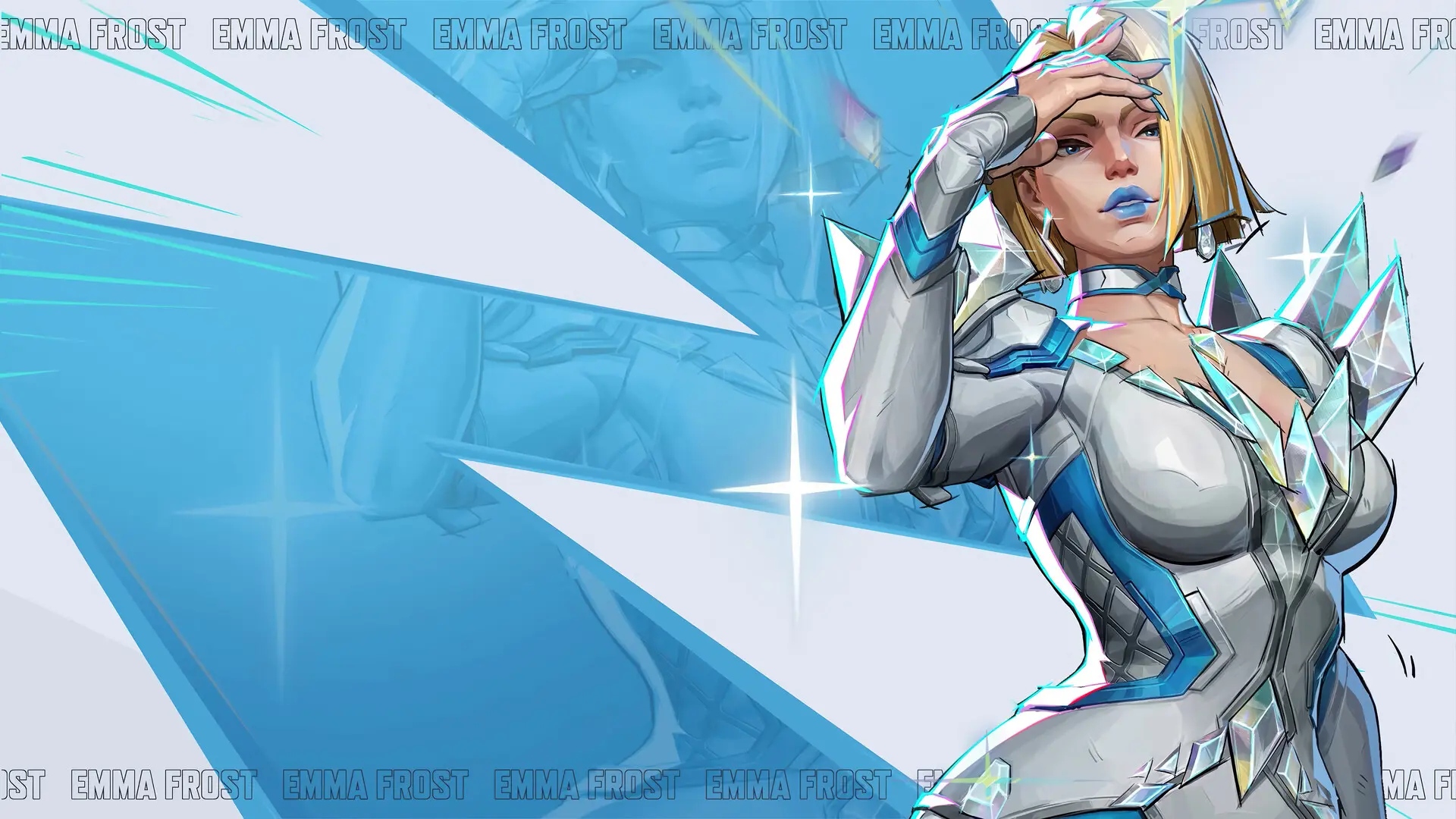
Marvel Rivals is officially unavailable for download in the Russian region of Steam, so players run into problems as early as the installation stage. Additionally, after launching the game, error 2100 may appear, preventing you from connecting to the servers. In this guide, we’ll walk you through how to install Marvel Rivals in Russia, how to deal with regional restrictions, and how to fix the most common errors.
Why Marvel Rivals Is Unavailable in Russia
The publisher of Marvel Rivals has restricted the game’s distribution on the Russian Steam store. Because of this, users with Russian accounts cannot access the game’s page in the store or add it to their library using the standard method.
However, the game servers themselves are not blocked for Russian users. Therefore, once Marvel Rivals is installed, you can launch and play the game. However, this isn’t exactly straightforward either—more on that below.
That’s exactly why most players’ questions aren’t about the game itself, but rather about installing and launching it. Below, we’ll walk through how to add Marvel Rivals to your Steam library and what to do if you encounter errors while connecting.
How to Download Marvel Rivals in Russia via Steam
Although the Marvel Rivals page is unavailable in the Russian Steam region, you can still add the game to your library using a direct installation command or via the game’s page on SteamDB. After that, the Steam client will start the download, provided there are no additional restrictions on your account. Many players have been using this method since the game’s release.
One of the easiest options:
- Launch Steam.
- Press Win + R.
- Enter the command steam://install/2767030
- Press Enter and wait for the installation to start.
If the command doesn't work, you can open the game's page on SteamDB and use the “Install” button, which will send the installation command to Steam.
How to Play Marvel Rivals in Russia
After installing Marvel Rivals, the game usually launches without any additional configuration; however, some users experience problems connecting to the servers.
If the game cannot connect to the server or freezes during the login process, try the following:
- Restart the game and Steam.
- Check the stability of your internet connection.
- Try launching the game later if the servers are undergoing maintenance.
- Make sure you have the latest version of the game installed.
If everything is working fine on the game’s end, then you’ll need to use a program to change your IP address to another country.
What Does Error 2100 Mean in Marvel Rivals
Error 2100 means that the Marvel Rivals client was unable to connect to the game servers. It most often appears when launching the game or attempting to log in to your account.
The cause could be temporary server issues, internet connection problems, regional restrictions, or technical glitches following a recent game update.
How to Fix Error 2100
Error 2100 is most often related to an inability to connect to Marvel Rivals servers. It may appear after updates are released, due to internet connection issues, or because of network routing characteristics.
There’s no single solution, but try the following steps:
- Restart the game, Steam, and your computer. Sometimes the error occurs after a client update or a temporary connection outage.
- Check the server status using services like Downdetector. If the developers are performing maintenance or have just released a new patch, you’ll need to wait for the servers to come back online.
- Clear the Windows DNS cache. Open the Command Prompt as an administrator and run the command `ipconfig /flushdns`, then restart your computer. This helps if the system is using outdated network records.
- Verify the integrity of the game files via Steam: right-click the game, select Properties, go to Installed Files, and run an integrity check.
- Enable automatic date and time synchronization in Windows settings. An incorrect system time can sometimes cause authentication errors.
- If necessary, use a program to change your IP address to another country. For some players, the error is related to regional routing, so an internet accelerator can help with authorization. Once you’ve logged into the game, you can sometimes disable it.
Frequently Asked Questions (FAQ)
Да. Хотя страница игры недоступна в российском Steam, Марвел Ривалс можно добавить в библиотеку альтернативными способами, например через команду установки или SteamDB.
Ошибка 2100 означает, что игре не удалось подключиться к серверам. Причиной могут быть технические работы, проблемы с интернет-соединением или региональные ограничения.
Не всегда. У некоторых игроков Марвел Ривалс запускается без дополнительных программ, однако при проблемах с подключением такие программы могут помочь пройти авторизацию или подключиться к серверам.
Перезапустите Steam и игру, проверьте целостность файлов, очистите DNS-кэш, убедитесь, что дата и время на компьютере настроены правильно, а затем попробуйте подключиться снова.
Да. Марвел Ривалс распространяется по модели free-to-play, поэтому скачивание и игра доступны бесплатно.