Overwatch 2 on consoles: PS5, PS4, Xbox, and Nintendo Switch

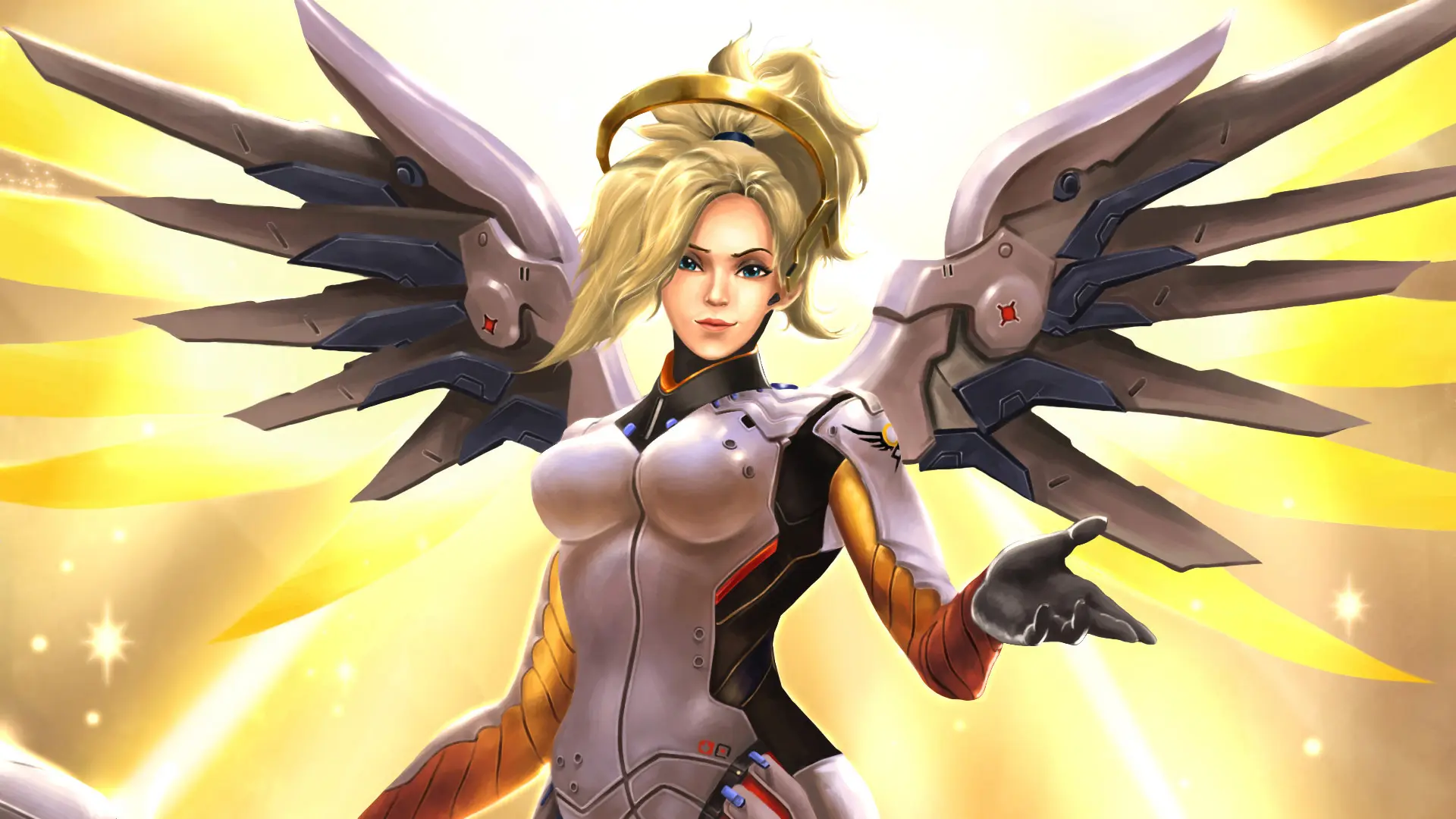
Overwatch 2 is available not only on PC but also on current- and previous-generation consoles. You can play Overwatch on PS5, PS4, Xbox, and Nintendo Switch; the game is free to play and supports cross-play between platforms. In this guide, we’ll walk you through how to download and launch Overwatch on a console, whether you need a subscription to play, and whether you can transfer your progress from another platform.
How to Download Overwatch on PS5 and PS4
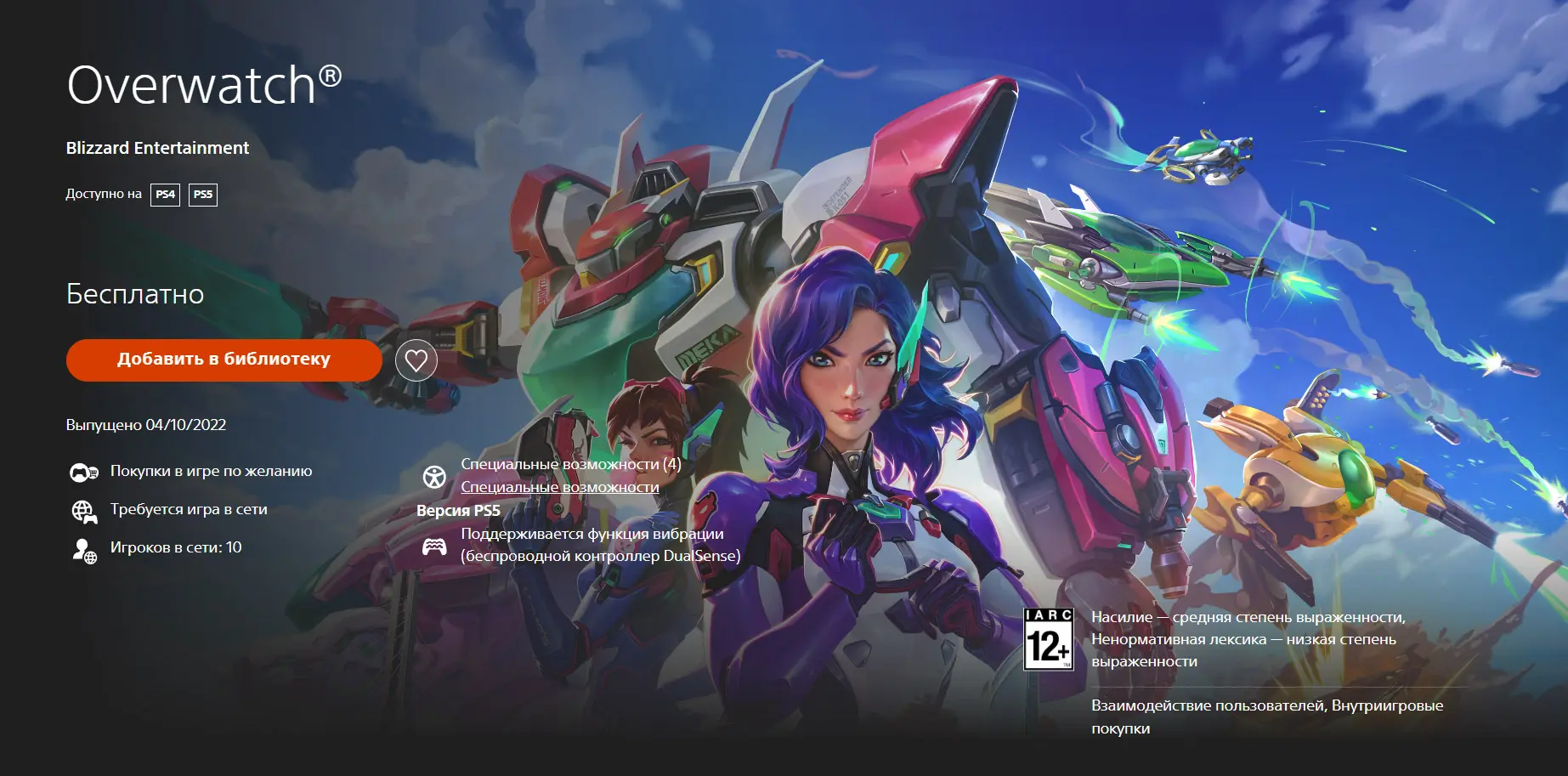
Overwatch is available for free on PlayStation, but you won’t be able to download the game using a Russian account. The PlayStation Store in Russia is still suspended, so you’ll need an account from another region. If you don’t have an international credit card, you can use the services of resellers on digital marketplaces.
To download Overwatch on PS4/PS5:
- Create a new PlayStation account for a region where the PlayStation Store is operational, such as the U.S. or Turkey.
- Add this account to your PS5 and log in.
- Open the PlayStation Store.
- Search for Overwatch.
- Select the PS5 version and click “Add to Library,” then “Download.”
- Wait for the game to install, then launch it.
- When you log in for the first time, link your Battle.net account if you haven’t already.
You don’t need to buy the game—the Sony console version of Overwatch is free.
How to Download Overwatch on Xbox
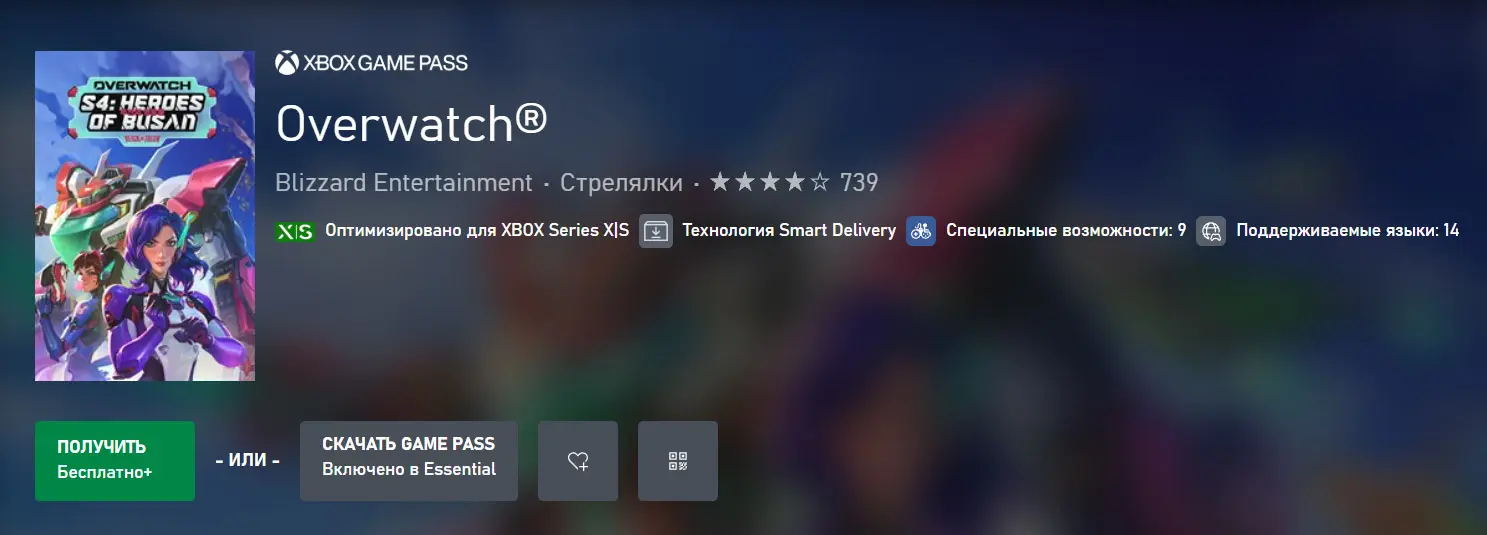
Overwatch is officially available on the Microsoft Store and optimized for Series X/S consoles.
To download Overwatch on Xbox:
- Sign in to your Microsoft account on your console.
- Open the Microsoft Store.
- Search for Overwatch.
- Open the game's page and click “Get” or “Install.”
- Wait for the download to finish.
- Launch Overwatch and link your Battle.net account.
If Overwatch isn’t available for download with a Russian region account, you’ll need a Microsoft account from a supported region.
Overwatch on Nintendo Switch
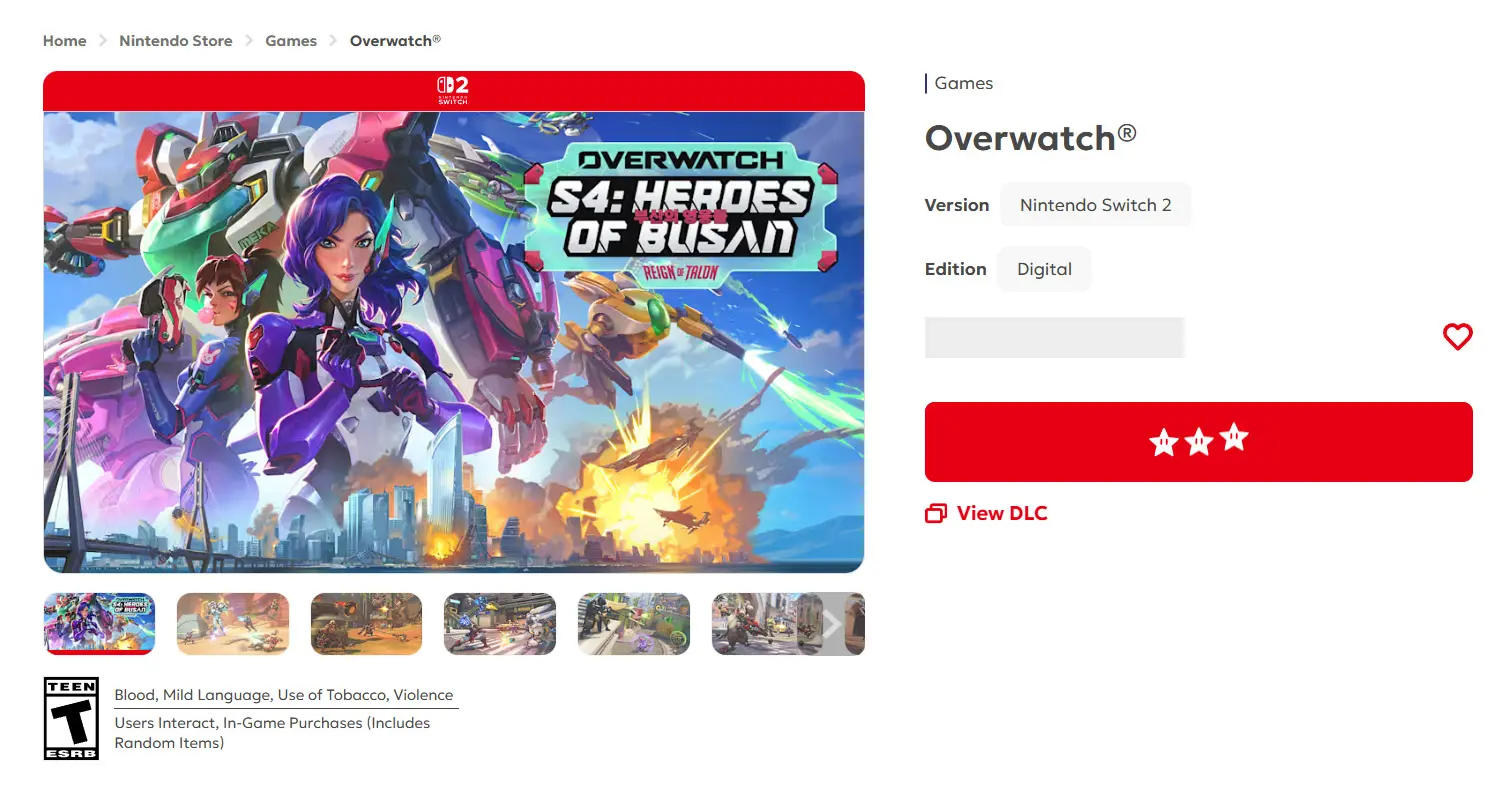
Overwatch is available on Nintendo Switch and is distributed for free. In 2026, a separate version for Nintendo Switch 2 was also released—it came out on April 14 and is optimized for the new console. The version for the standard Switch takes up about 24 GB, while the Switch 2 version takes up about 37 GB. In the Russian region, as in the cases above, the game is not available.
To download Overwatch on Nintendo Switch:
- Sign in to your Nintendo account on the console.
- Open the Nintendo eShop.
- Search for Overwatch.
- Open the game’s page and select “Free Download.”
- Wait for the game to download and install.
- Launch Overwatch and link your Battle.net account to use cross-progression.
For the Switch 2, it’s better to download the standalone version of the game rather than the version for the original Switch. The official version of Overwatch for the updated console has been available for free on the Nintendo eShop since April 2026.
Do You Need a Subscription to Play Overwatch on a Console?
Since the game is distributed on a free-to-play model, a paid subscription is not required to play Overwatch on a console. You can play on PlayStation without PlayStation Plus, on Xbox without Game Pass, and on Nintendo Switch without Nintendo Switch Online.
However, to launch Overwatch, you’ll need a free Battle.net account (not from the Russian region), which must be linked to your console account.
Is there cross-play in Overwatch?
Overwatch supports cross-play between PC, PlayStation, Xbox, and Nintendo Switch. Players from different platforms can add each other via Battle.net and participate in regular matches together.
The exception is Competitive mode. In ranked matches, players are divided into two groups: PC and consoles. Therefore, a PC user won’t be able to play in Competitive mode with a friend on PS5, Xbox, or Switch.
How to Transfer Overwatch Progress from PC to Console and Back
Overwatch supports cross-progression: progress and cosmetic items are stored on Battle.net and available across linked platforms. To transfer your progress from PC to console (and back), log in with your username and password, go to the Connections section, and link your account to your PS, Xbox, or Nintendo accounts.
Once linked, your progress, skins, and everything else from your account will be available on your console. You can only link one account from each console platform to a single Battle.net account, so please double-check the selected account before confirming.
Frequently Asked Questions (FAQ)
На PS4, PS5, Xbox One, Xbox Series X/S, Nintendo Switch и Switch 2.
Нет, платная подписка для игры не требуется.
Да, кроссплей работает между ПК, PlayStation, Xbox и Nintendo Switch.
Да, но совместная игра между ПК и консолями недоступна в соревновательном режиме.
Привяжите консольный аккаунт к той же учётной записи Battle.net, которую использовали на ПК.