PUBG Camera Settings on PC: How to Enable, Toggle, and Zoom Out the Camera

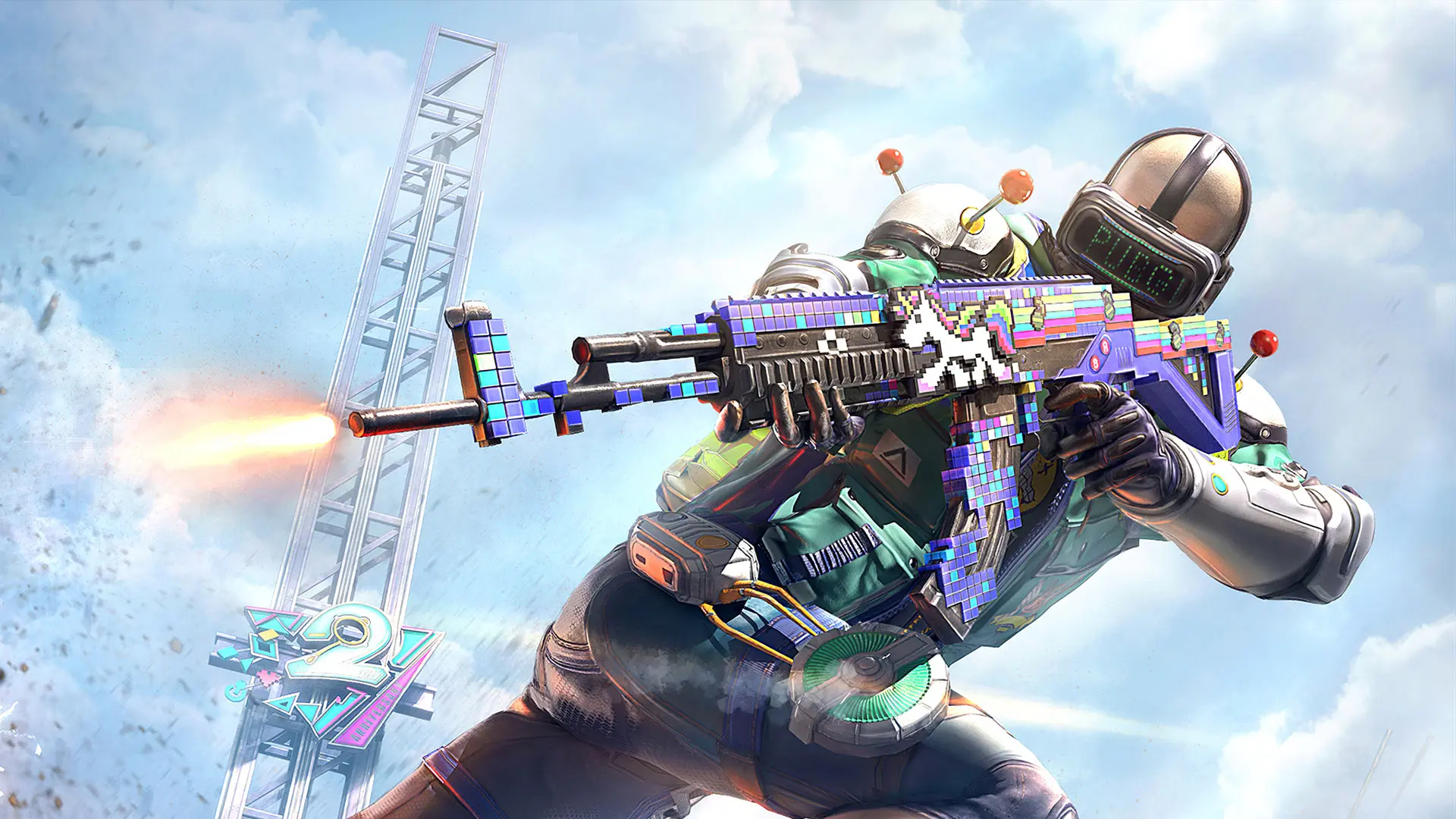
The camera in PUBG affects your field of view, rotation speed, and aiming comfort. On PC, you can play in first-person or third-person view, adjust the field of view, and separately configure the sensitivity for normal movement and various aiming modes. In this post, we’ll break down how to adjust the camera in PUBG and which settings you should use.
How to Configure the Camera in PUBG
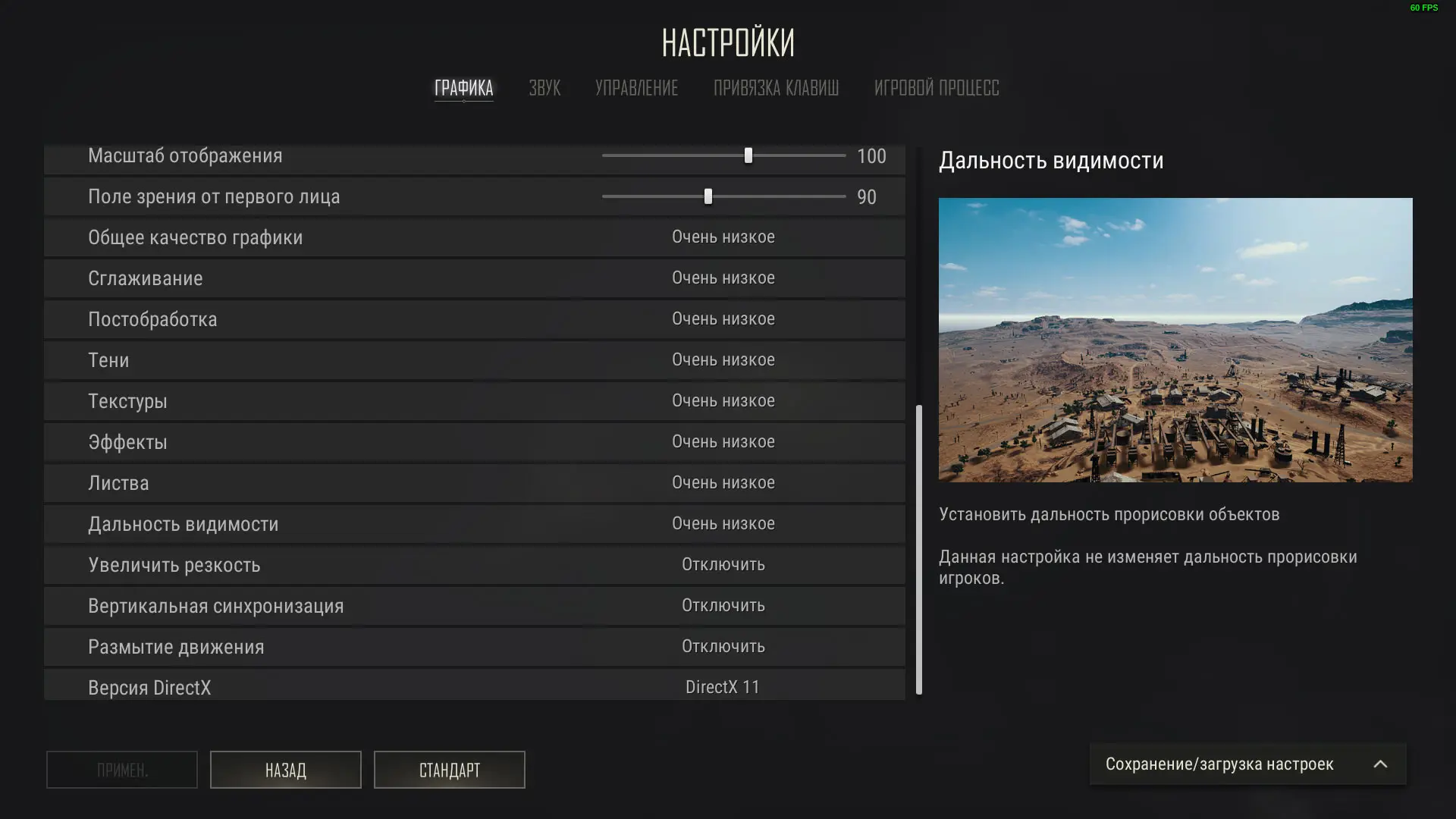
The main camera settings are located under “Settings” → “Controls” → “Sensitivity.” Here, you can separately adjust the overall sensitivity, vertical multiplier, aiming sensitivity, ADS sensitivity, and the sensitivity for each scope.
To start, you should set up your mouse DPI first, and then adjust the in-game settings. A good universal starting point for PUBG on PC is 800 DPI and a sensitivity of around 35–40. According to statistics on the settings of 68 professional players, the average values are 38 for overall sensitivity, 37 for aiming and ADS, and 1.02 for the vertical multiplier.
Camera Sensitivity in PUBG
Sensitivity determines the speed at which the camera moves when you move the mouse. A value that’s too high allows you to turn quickly but makes precise aiming more difficult. A value that’s too low improves accuracy, but you’ll have to move the mouse more forcefully to turn.
Best Camera Settings in PABG
| Setting | What to Set |
| Mouse DPI | 800 |
| Overall Sensitivity | 38 |
| Vertical multiplier | 1.0–1.02 |
| Aiming sensitivity | 37 |
| ADS | 37 |
| 2x–15x scope | 36 |
These are the average settings used by professional players, not a mandatory preset. Many players keep the same sensitivity for scopes, while others lower it slightly at 6x and 8x for more accurate long-range shooting.
The vertical multiplier affects the camera’s up-and-down movement and, accordingly, how mouse recoil is compensated. A value around 1.0 maintains the same vertical and horizontal sensitivity. Beginners shouldn’t increase it too much—it’s best to start by getting used to values between 1.0 and 1.02, and then adjust them on the training range.
After adjusting the settings, test the sensitivity on moving targets and while firing in bursts. If the crosshairs consistently miss the target, lower the sensitivity by a couple of points. If you have to reposition the mouse several times to track an enemy, increase it slightly. For PABG, it’s better to find one comfortable sensitivity setting and get used to it than to constantly change your settings.
How to Switch the Camera in PUBG
In third-person matches, you can switch the camera between TPP and FPP. By default, the V key is used for this. Press it once to switch to first-person view, and press it again to return to third-person view.
If V doesn’t work, open “Settings” > “Key Bindings” and find the action for switching the camera. There, you can check the current key or assign a different one.
How to Enable First-Person View
There are two ways to play in first-person view. In a TPP match, press V—the camera will move to your character’s eyes. If necessary, you can return to third-person view the same way.
If you want to play the entire match in first-person view, select FPP mode before searching for a game. In such a match, you cannot switch to third-person view: all players use FPP.
Frequently Asked Questions (FAQ)
По умолчанию нажмите V, чтобы переключиться между видом от первого и третьего лица.
Нажмите V в TPP-матче или выберите режим FPP перед началом поиска игры.
Откройте «Настройки» — «Управление» — «Чувствительность» и измените общую сенсу и параметры отдельных прицелов.
Увеличьте параметр FOV в настройках. Чем выше поле зрения, тем больше пространства помещается на экране.
Для 800 DPI можно начать с общей чувствительности около 38 и ADS около 37, а затем скорректировать значения на тренировочном полигоне.