Rocket League Training: Shots, Maps, and Drills

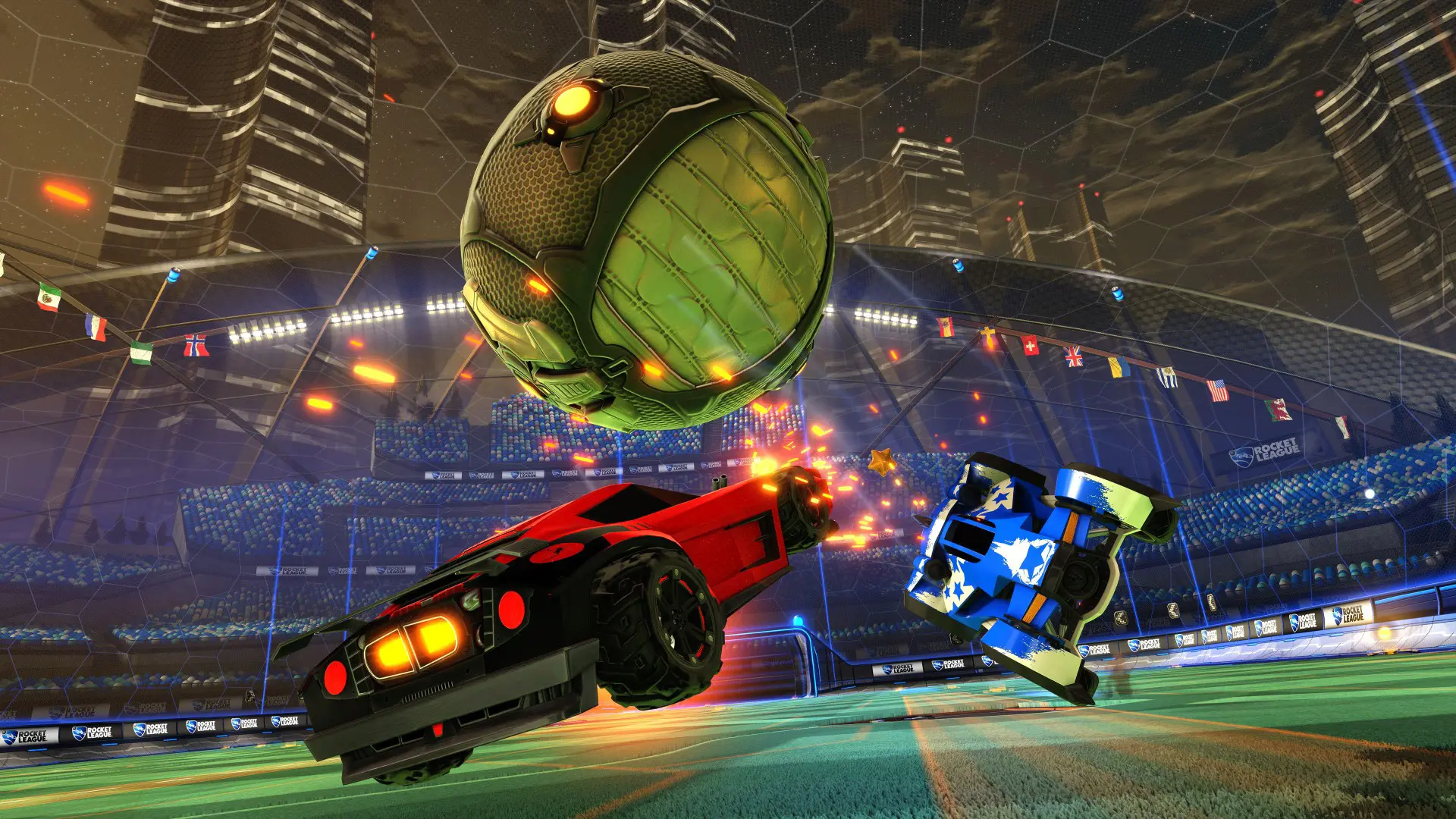
Practicing in Rocket League helps you master car control, precise shots, aerial maneuvers, and other mechanics before playing against real players. To do this, the game offers free practice mode, pre-made training sets, and custom maps. In this guide, we’ll break down the best ways to practice in Rocket League, learn how to hit the ball, and prepare for ranked matches.
How to Train in Rocket League
To practice the basic mechanics, go to “Play” > “Training.” Here, you can practice vehicle control, shots on goal, saves, and aerial play without participating in regular matches.
Beginners should start by mastering movement, jumping, and basic shots, then move on to aerial maneuvers and more complex combinations. For specific mechanics, use pre-made or custom training sets with predetermined scenarios.
Free Training in Rocket League
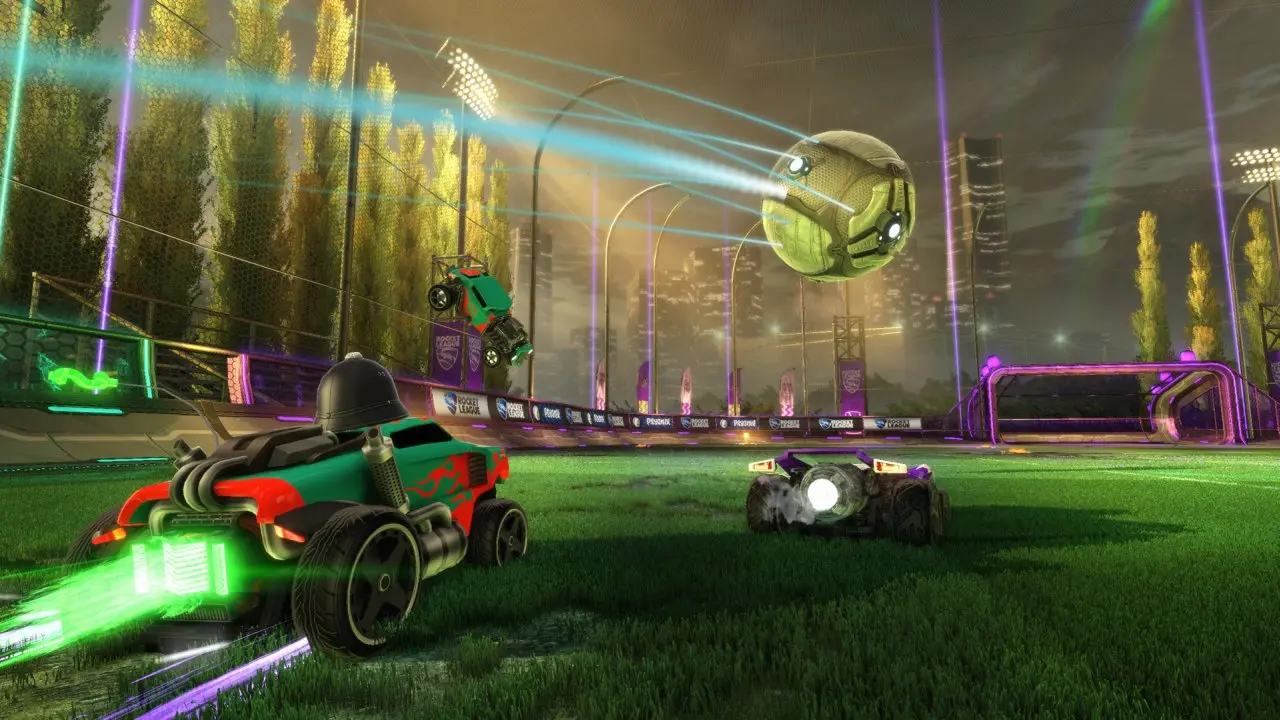
Free Practice lets you drive around the arena on your own and practice any moves without opponents or time limits. This mode is great for practicing ball control, shots, dribbling, using boost, and flying.
In Free Practice, you can also control the ball’s position: send it toward a car, place it in front of you, toss it into the air, or direct it toward the goal. This allows you to quickly replay a specific game situation without having to restart the training session.
Types of Shots in Rocket League
In Rocket League, you can strike the ball with your car’s body while jumping, flipping, or in mid-air. The main types of shots are:
- regular shot — touching the ball with the front or side of the car;
- flip shot — jumping and then lunging toward the ball to increase power;
- bounce shot—hitting the ball immediately after it bounces off the ground;
- wall shot—hitting the ball after it has bounced off a wall;
- air shot—hitting the ball while it is in the air;
- double tap — a shot using the ball’s rebound off a wall or shield;
- power shot—a powerful shot executed with proper timing and car positioning.
How to Learn to Hit the Ball Correctly
Don’t just try to accelerate to top speed. The power and direction of the shot depend on the point of contact with the ball, the car’s speed, and the timing of the jump. For a powerful direct shot, aim the front of the car closer to the center of the ball and perform a spin just before contact.
How to practice shots on goal
Use the “Training” section—“Forward” or custom training sets. Repeat the same shot several times, varying the car’s direction and the point of contact with the ball. First, focus on consistently hitting the frame of the goal, and then practice shots at different angles of the goal.
How to practice aerial shots
Start with some free practice: toss the ball, jump up, point the front of the machine upward, and use the boost to take flight. Start by practicing simple touches on a stationary or slowly flying ball, then move on to Aerial sets with shots at different angles and heights.
Training Maps in Rocket League
To practice specific mechanics in Rocket League, you can use custom training sets. These sets have the car’s position, the ball’s position, and its trajectory pre-configured, so you can repeat the same shot multiple times.
| Training | Purpose | Code |
| Aerial Car Control | Controlling the car in the air | A3E1-92C2-8757-4195 |
| Powershots | Powerful Shots | 4B18-A096-77E7-EE18 |
| Shadow Defense | Goal Defense | 5CCE-FB29-7B05-A0B1 |
| Ground Shot Consistency | Consistent Ground Shots | E4AE-EDC9-E77E-9FC0 |
| Fast Aerials | Fast aerial shots | C5C6-3EFC-AFD5-4ECC |
| Wall Clears | Clearing the Ball Off the Wall | 9274-D4A2-967B-0D7A |
How to Set Up a Training Map
Go to “Play” > “Training” > “Custom,” navigate to the training search, and enter the code for the desired set. Once it’s loaded, you can add it to your favorites so you don’t have to re-enter the code next time. Without a code, you can open the custom training section and select one of the available sets from the built-in catalog.
Используйте свободную тренировку и пользовательские наборы, чтобы отдельно отрабатывать удары, полёты, дриблинг и защиту.
Тренируйте точку контакта с мячом, тайминг прыжка и удары с переворотом, постепенно увеличивая скорость выполнения.
Начните с простых полётов в свободной тренировке, а затем переходите к пользовательским наборам с воздушными ударами.
Пользовательские тренировочные наборы доступны в разделе «Играть» — «Тренировка» — «Пользовательская», также их можно найти по специальному коду.
Откройте пользовательские тренировки, выберите поиск по коду, введите комбинацию нужного набора и запустите тренировку.