Skin Changer for Standoff 2: What It Is, How to Download and Use It

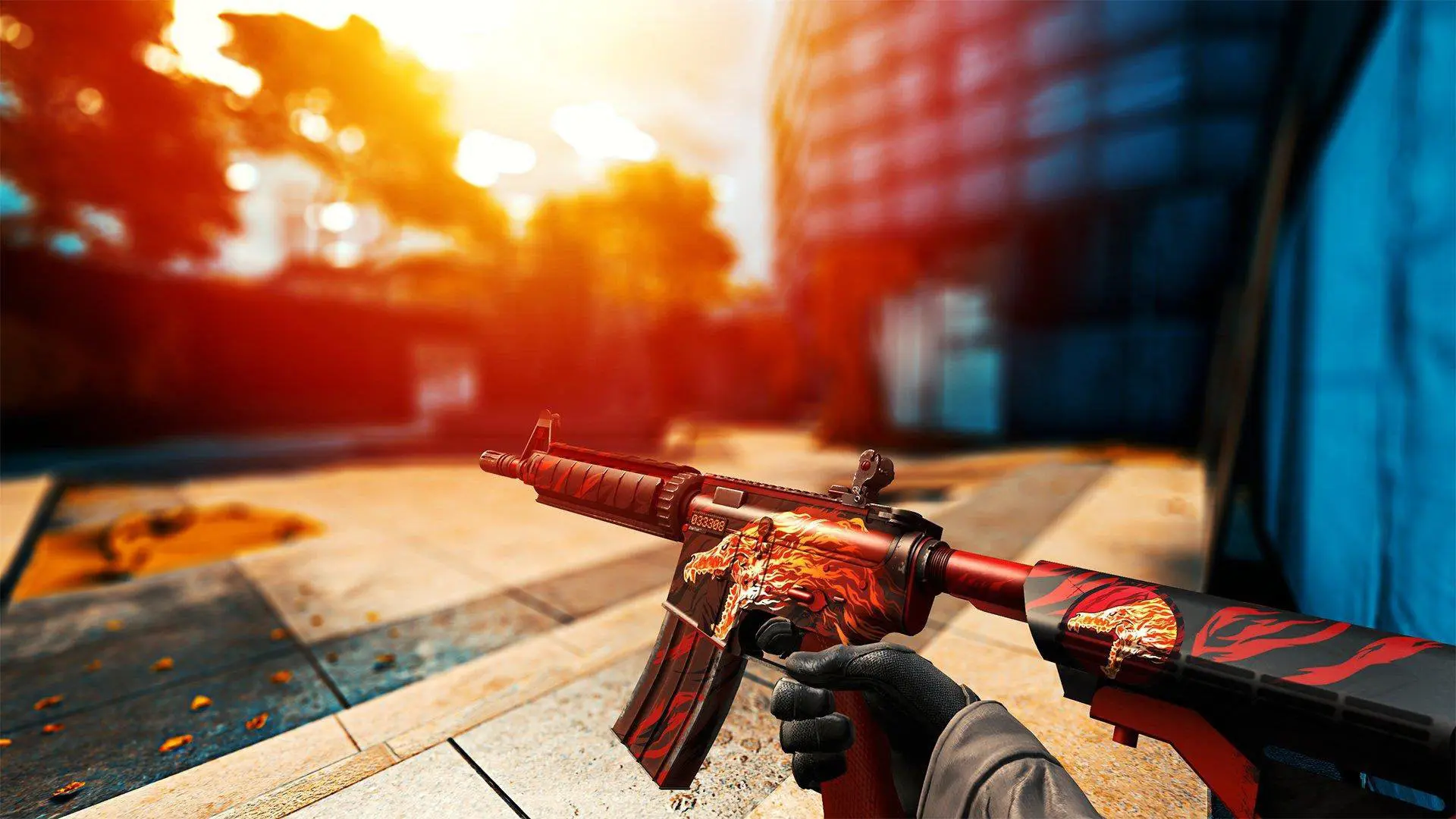
SkinChanger for Standoff 2 is a third-party app that lets you change the appearance of weapons, knives, gloves, and other items without having to purchase them in the game. These tools are used to preview different skins or customize the appearance of weapons on your device. However, the Skin Changer is not an official feature of Standoff 2. Third-party modifications may violate the game’s rules, lead to account suspension, or contain malicious files.
What Is the Standoff 2 Skin Changer?
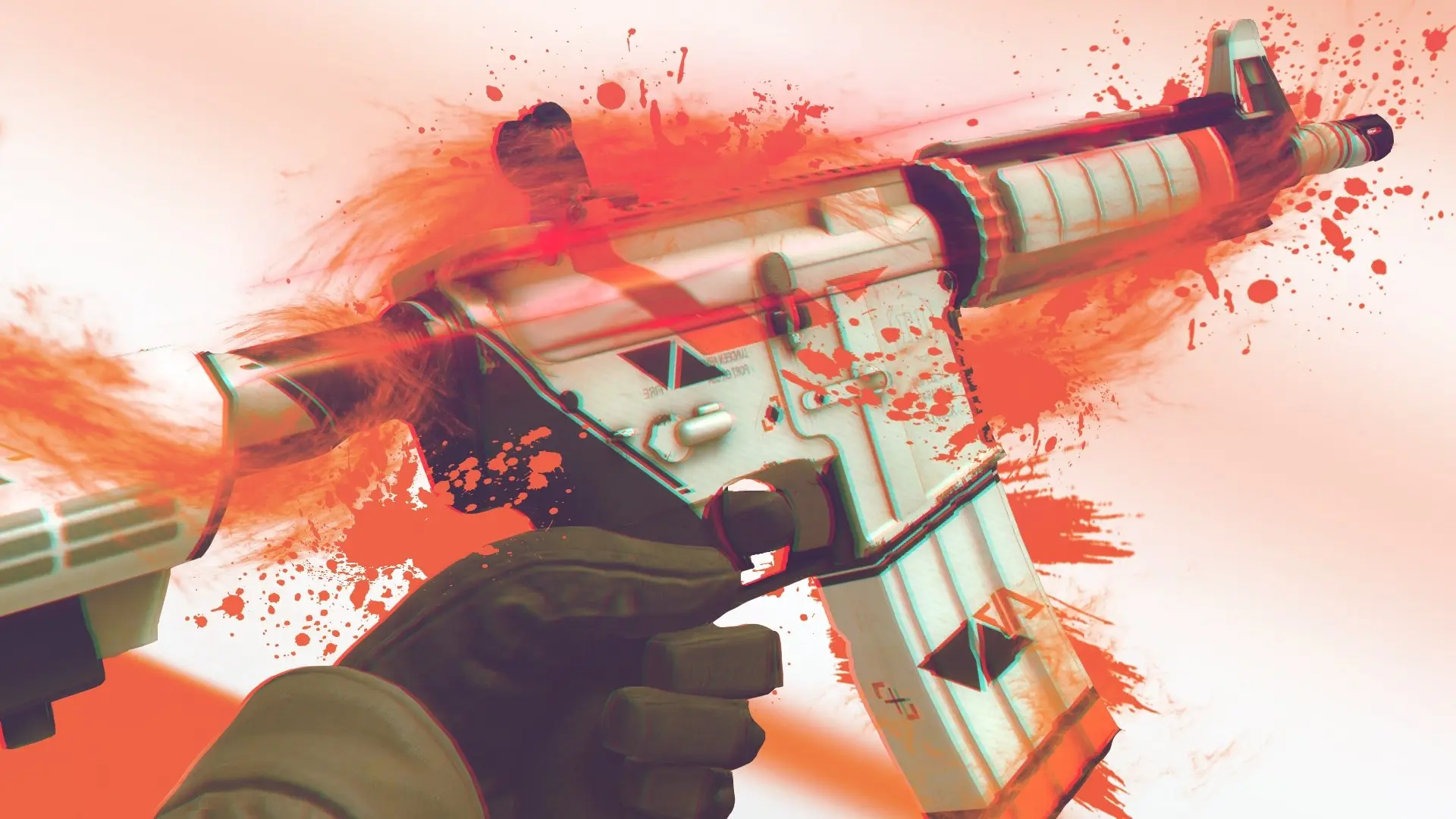
The Stand Off 2 skin changer is a third-party modification that changes the appearance of weapons, knives, gloves, and other items. It allows you to preview skins that aren’t in your inventory, but it doesn’t add them to your account or replace officially purchased items.
Such programs work by modifying the game client’s data or the displayed resources. Typically, the user launches the skin changer, selects a weapon and the desired skin, applies it, and then opens the game. The exact steps depend on the program. Since this is third-party software, using it may violate the game’s rules and put your account at risk of being banned.
How to Change a Skin in Standoff 2
Without third-party programs, you can change a skin through the inventory: open the desired weapon, select an available item, and equip it. This method is safer because it uses skins that actually belong to your account.
SkinChanger allows you to visually change a skin without purchasing it; however, the item does not become the player’s property. Once the modification is disabled or removed, the default appearance is restored.
Can you get banned for using SkinChanger, and is it safe to download?
Using SkinChanger can lead to an account ban, since it is a third-party modification that interferes with Standoff 2’s operation. Even if a specific program claims to offer “ban protection,” it cannot guarantee the safety of your account.
There’s another risk—the files themselves. Skin changers are often distributed through third-party websites and Telegram channels, and malicious software can be installed along with the APK or program. Therefore, you shouldn’t use your main account, disable your antivirus, or grant unnecessary permissions to an unknown program.
How to Download and Install a Skin Changer for Standoff 2
Skin changers are distributed on third-party websites as APK files for Android or standalone PC programs. There is no official skin changer for Standoff 2, so we cannot provide a safe download link.
How to install a skin changer on Android
On Android, skin changers are usually distributed as APK files. After downloading such a file, the system may ask you to allow the installation of apps from unknown sources. Once installed, launch the skin changer separately and select the desired skins before entering the game.
Frequently Asked Questions (FAQ)
Это сторонняя программа для визуальной замены скинов в игре.
Да, использование сторонних модификаций может привести к блокировке аккаунта.
Нет, настоящие скины на аккаунт он не добавляет.
Да, такие программы обычно распространяются в виде APK-файлов.
Нет гарантии. Сторонние файлы могут содержать вредоносное ПО.