How to completely uninstall League of Legends from your computer


You can completely uninstall League of Legends using standard Windows tools or the Riot Client. However, after a standard uninstallation, Vanguard, the Riot Client, and temporary game files may remain on your computer. In this article, we’ll explain how to completely uninstall League of Legends from your computer and clear any remaining data.
How to Uninstall League of Legends
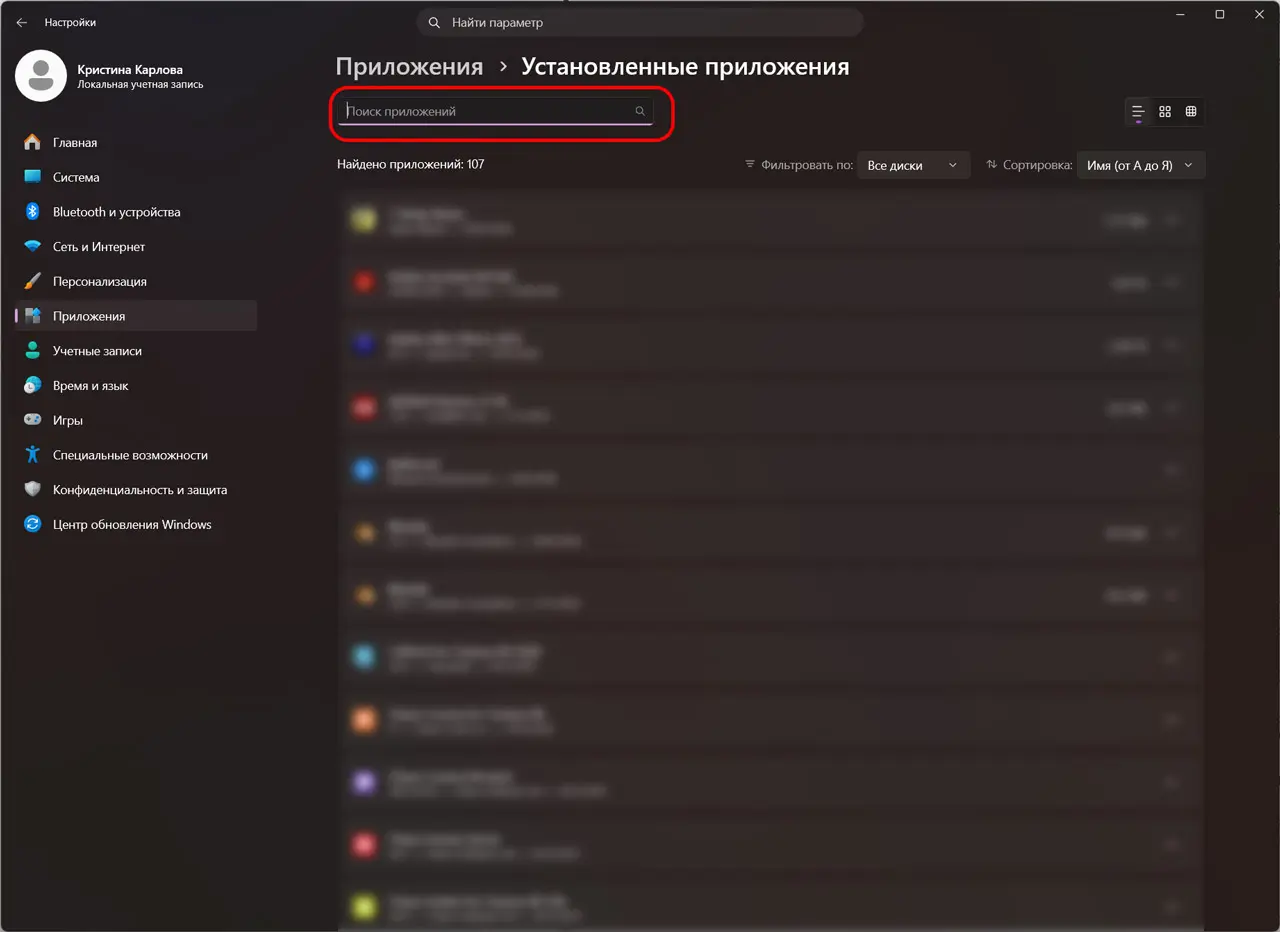
The easiest way is to use the “Apps & Features” menu in Windows.
- Open “Settings” > “Apps” > “Installed apps.”
- Find League of Legends.
- Click “Uninstall” and confirm the action.
- Wait for the uninstallation to complete.
After that, the game will be removed from your computer, but the Riot Client and Vanguard may remain installed.
How to Completely Uninstall League of Legends from Your Computer
If you want to completely clean up your system and don’t plan to play Valorant or other Riot games, then after uninstalling the game, also uninstall:
- Riot Client;
- Riot Vanguard;
- any remaining Riot Games folders on your hard drive;
- temporary files using “Disk Cleanup” or similar programs.
You can also try third-party programs if you don’t want to clean up manually:
- Revo Uninstaller — removes programs along with any remaining files and registry entries.
- Geek Uninstaller — a lightweight utility for completely uninstalling applications without reinstallation.
- IObit Uninstaller — automatically scans for leftover files and helps remove Riot Vanguard.
- BCUninstaller (Bulk Crap Uninstaller)—a free program with advanced system cleanup capabilities.
- HiBit Uninstaller — removes applications, temporary files, and registry leftovers after uninstallation.
After using these programs, restart your PC to complete the system cleanup.
How to Delete a League of Legends Account
If you want to delete not only the game but also your account, you cannot do this through the client. Log in to your Riot Games account.
- Go to the website and log in to your account.
- Open the “Riot ID Settings” or “Account Management” section.
- Select “Delete Account.”
- Confirm the action.
After submitting your request, a one-month waiting period begins. If you do not cancel the deletion during this time, your account will be permanently deleted and cannot be recovered. Along with it, your progress in all Riot Games titles—including Valorant, Teamfight Tactics, Legends of Runeterra, and other titles linked to this account. If you plan to play anything other than League of Legends, it’s best to keep your account and simply delete the game.
Can I uninstall League of Legends via the Riot Client?
There is no separate button in the Riot Client to uninstall the game. The client is used only to launch, update, and install Riot Games titles. To uninstall the game, you’ll need to use standard Windows programs.
What to do if League of Legends won’t uninstall
If the game won’t uninstall, close the Riot Client via Task Manager and end the RiotClientServices.exe process. Also, make sure Vanguard isn’t running. After that, try uninstalling again. If the problem persists, restart your computer and try again.
Frequently Asked Questions (FAQ)
Удалите игру, затем Riot Client, Riot Vanguard и оставшиеся папки Riot Games.
Да, если вы больше не играете в игры Riot Games. Иначе античит останется установленным.
Нет. Удаляется только игра, аккаунт Riot Games остаётся.
По умолчанию игра устанавливается в папку C:u005cRiot Games или в каталог, который вы выбрали при установке.
Да. Для этого достаточно скачать Riot Client с официального сайта и снова установить игру. Если вы не удаляли аккаунт, то ваш прогресс останется.