Skins and Decals in Rocket League: How to Get Octane, Fennec, and Hot Wheels Cars

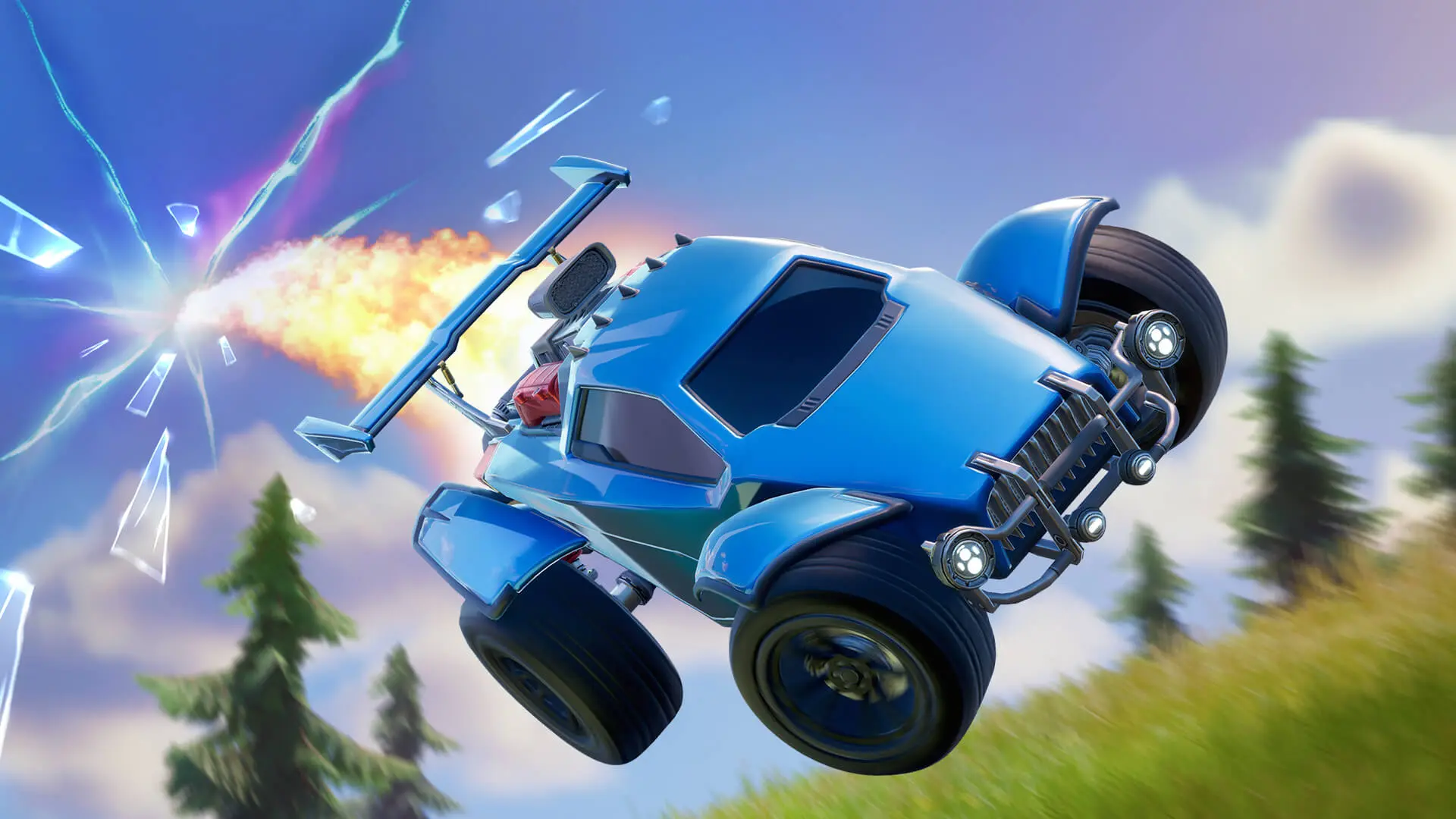
In Rocket League, you can change your car’s body, apply decals, choose wheels, and customize boost effects. Both standard items and cosmetic items from collaborations with other brands are available for customization. In this guide, we’ll break down how to get skins in Rocket League, the differences between Octane and Fennec, and which Hot Wheels cars have appeared in the game.
What Skins Are Available in Rocket League
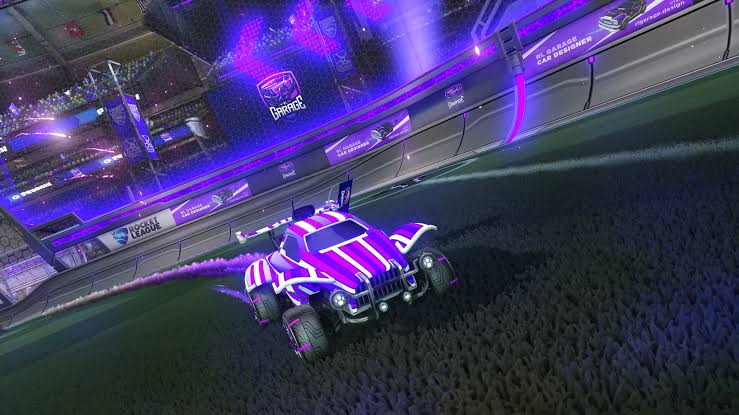
In Rocket League, the term “skins” generally refers to various car customization elements. However, the body, decals, and paint job are separate items and settings. When purchasing an item, be sure to check its type. A decal for the Fennec doesn’t unlock the car itself, and a painted body doesn’t necessarily include all the decorations shown in the promotional image.
What Are Decals in Rocket League
Decals in Rocket League are body designs: stripes, patterns, images, and animated effects. They change the car’s appearance but do not improve its in-game performance. Some decals are designed for a specific car, while others work with multiple car models.
Why a decal doesn’t fit a car
Check the item’s name and description. If the name mentions the Octane, the decal may be intended only for that car. The same applies to the Fennec and other cars. Having the same hitbox does not mean the car is compatible with the same cosmetic items. For example, a decal for the Octane cannot automatically be considered suitable for the Fennec. These vehicles have different body models.
Before buying, open the preview and make sure you’re purchasing the design for the right car. Check sets especially carefully: the body and decals may be sold together or separately.
How to Get Skins and Decals in Rocket League
The method of obtaining them depends on the item. Some rewards are available for completing missions, while others must be purchased or crafted from blueprints. Challenges, events, and tournaments allow you to earn cosmetic items while playing.
| What | What to Do |
| Challenges | Complete the mission requirements and claim the specified rewards |
| Rocket Pass | Level up your pass; some rewards are part of the paid tier |
| Limited-Time Events | Complete event missions before the event ends |
| Tournaments | Participate in in-game competitions and earn tournament rewards |
| Item Shop | Purchase specific items and sets from the available selection |
| Blueprints | Craft the item specified in the blueprint using credits |
A blueprint is not a finished skin. It shows what item can be crafted and how many credits are required. If a blueprint is in your inventory, the corresponding vehicle or decal will not appear in your garage until the item is crafted.
Can you trade skins with other players?
Player-to-player trading was disabled on December 5, 2023. You can no longer transfer a body, decal, or blueprint to a friend via the old trading system. Therefore, old instructions advising you to “buy a Fennec from another player” are now outdated. The developers specifically warn against scammers on websites who ask for money for this service.
Octane in Rocket League
Octane is the starter car available at the beginning of the game. For the standard version, you don’t need to buy a bundle or wait for the car to appear in the store. You can select it in the garage from among the available body styles. The Octane has open wheels, a compact body, and a large rear spoiler. Its appearance can be customized with compatible decals, wheels, and other accessories.
Is Octane Suitable for Beginners?
You can practice shots, jumps, aerial maneuvers, and ball control with the Octane without having to buy another car. To start out, it’s easier to get used to a single car than to constantly switch bodies after unsuccessful matches.
Expensive cosmetic upgrades are no substitute for practice. Choose a skin that gives you a clear view of your car’s position and its front end.
How to Get the Fennec in Rocket League
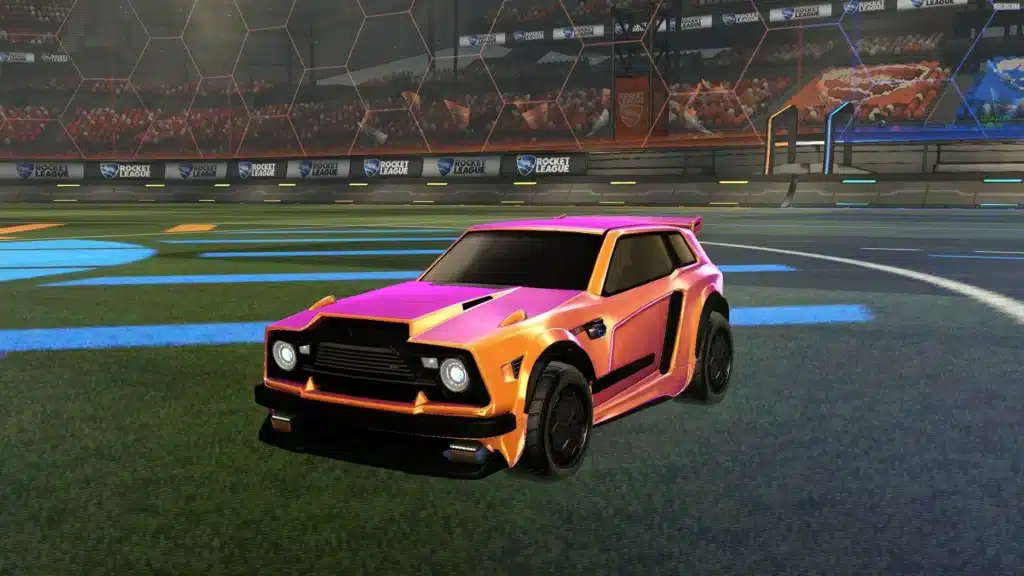
The Fennec is a standalone body with an angular shape resembling a compact hatchback. Don’t confuse it with the decals that also mention this car in their names.
One way to get the Fennec in Rocket League is to build the car from an existing blueprint. The body was part of a series of featured items, along with decals for it. You’ll need credits to build it: the blueprint itself doesn’t give you the car for free.
Before purchasing or crafting an item, check the following:
- The card lists the Fennec body, not a Fennec decal.
- The correct version and color scheme are selected.
- You understand the total cost in credits.
- The set actually includes the car if you’re buying a bundle.
How the Fennec Differs from the Octane
Octane and Fennec use the same type of hitbox. This is an invisible shape that the game uses to calculate collisions between the car and the ball or other objects. Purchasing the Fennec does not provide a larger contact area compared to the Octane.
The main noticeable difference is the appearance. The Fennec has a more rectangular body, while the Octane has exposed wheels and pronounced protruding elements. Because of this, the cars may feel different when aiming, even though they belong to the same hitbox group.
The choice depends on which model you find more comfortable for determining the point of contact with the ball. It’s not worth buying the Fennec just for the promise of an automatic rank boost.
Which Hot Wheels cars are available in Rocket League
The Rocket League and Hot Wheels collaboration included several cars modeled after toy cars. First came the Bone Shaker and Twin Mill III, and in 2018, three more cars were added to them in a separate set.
- Bone Shaker;
- Twin Mill III;
- Gazella GT;
- MR11;
- Fast 4WD.
How to Get Hot Wheels Cars
Previously, these cars were sold as paid add-ons. Check the in-game offers and official collaboration announcements for the latest information. You also cannot obtain them by trading with another player.
How to Apply a Skin or Decal in Rocket League
Open the garage and go to the car customization menu. First, select the body, then open the decals section and apply the desired design. After that, customize the available colors, wheels, acceleration, and other elements.
It’s handy to create separate presets for different combinations. For example, one for Octane, another for Fennec, and a third for a collaboration car.
If the decal you want isn’t among the available options, check its compatibility with the body. Also, make sure you have the finished item itself, not just its blueprint.
Frequently Asked Questions (FAQ)
Декали и украшения не улучшают характеристики. При выборе кузова имеет значение его хитбокс.
Нет. Обычный Октан доступен в начале игры.
Можно создать кузов из имеющегося чертежа или купить его, когда он доступен в магазине.
Она может не подходить выбранному кузову. Проверьте название и описание предмета.
Нет. Обмен предметами между игроками отключён.