Marvel Rivals Tracker — How to View a Player’s Stats via the Tracker


Stats help you track your progress in Marvel Rivals, analyze your performance, and compare it with other players. Using specialized trackers, you can view your win rate, KDA, number of matches played, favorite heroes, rank, and other metrics. In this guide, we’ll explain where to view Marvel Rivals stats and which services are considered the most user-friendly.
The Best Marvel Rivals Stats Trackers
Tracker.gg
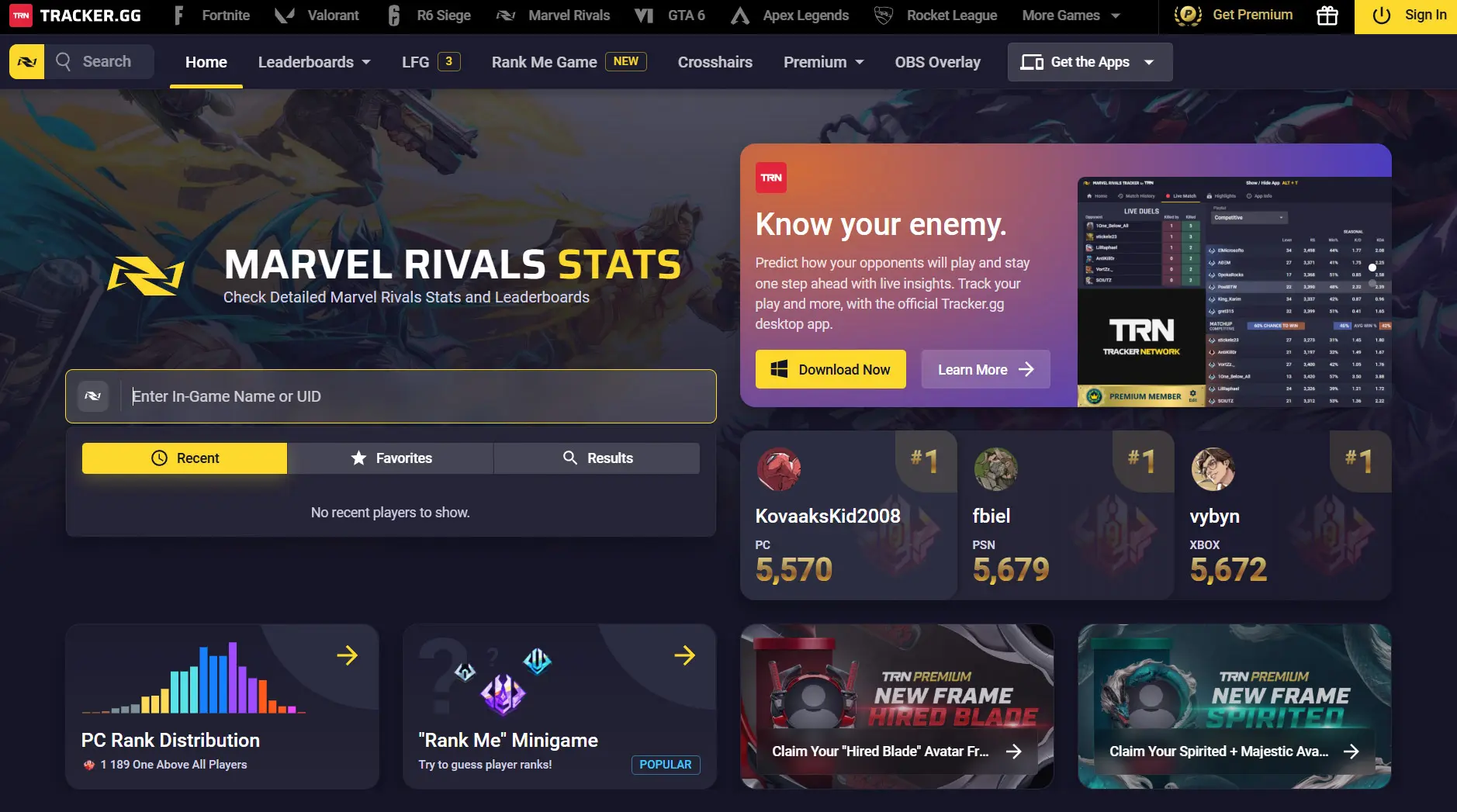
The most popular service for viewing Marvel Rivals stats. After logging in, you can view your win rate, KDA, match history, favorite heroes, rank, and seasonal progress.
RivalsMeta
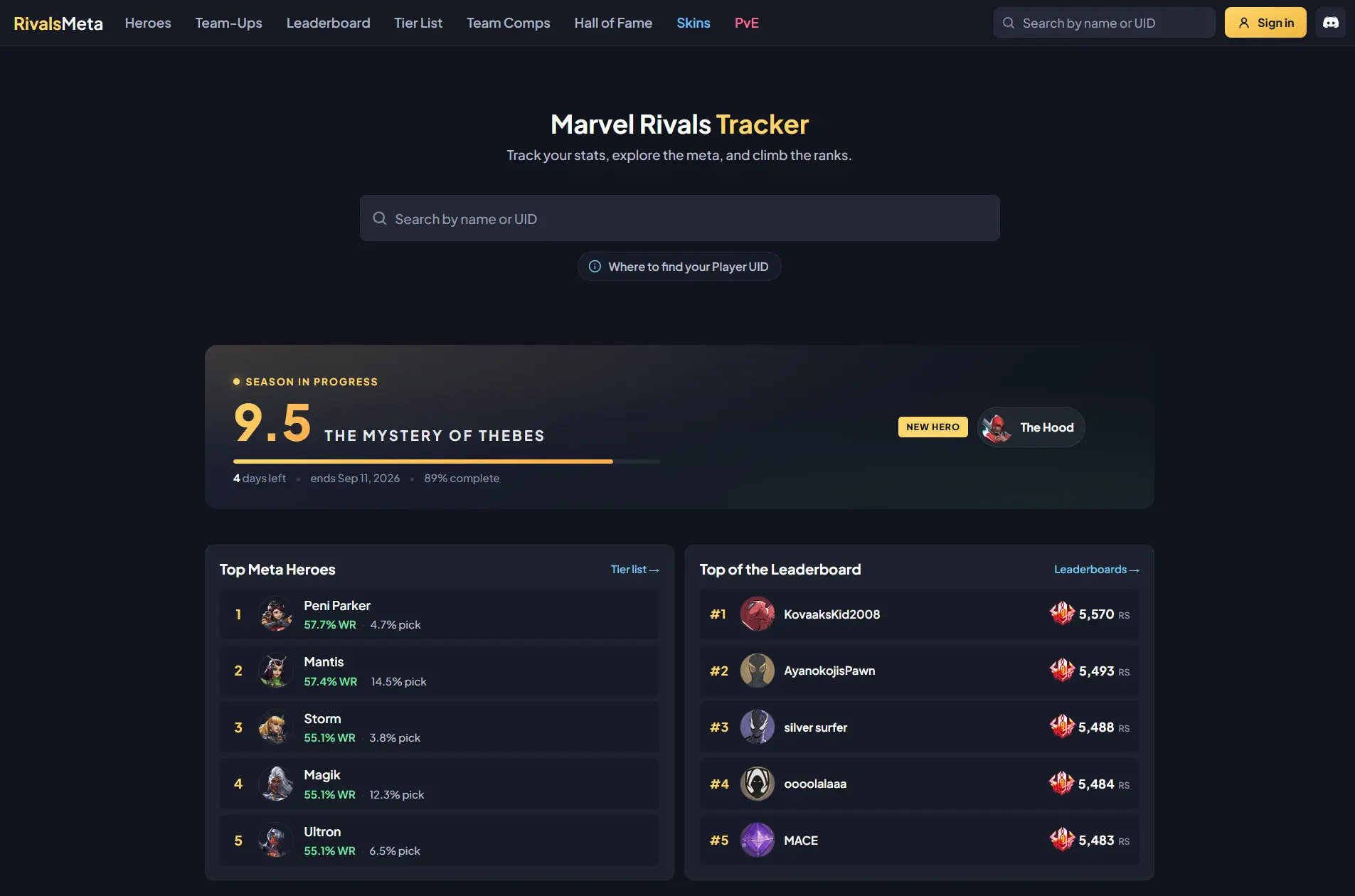
Ideal for those who want to study the game’s meta. The service displays hero win rates, pick rates, popular teams, and other statistics for the current patch.
Blitz
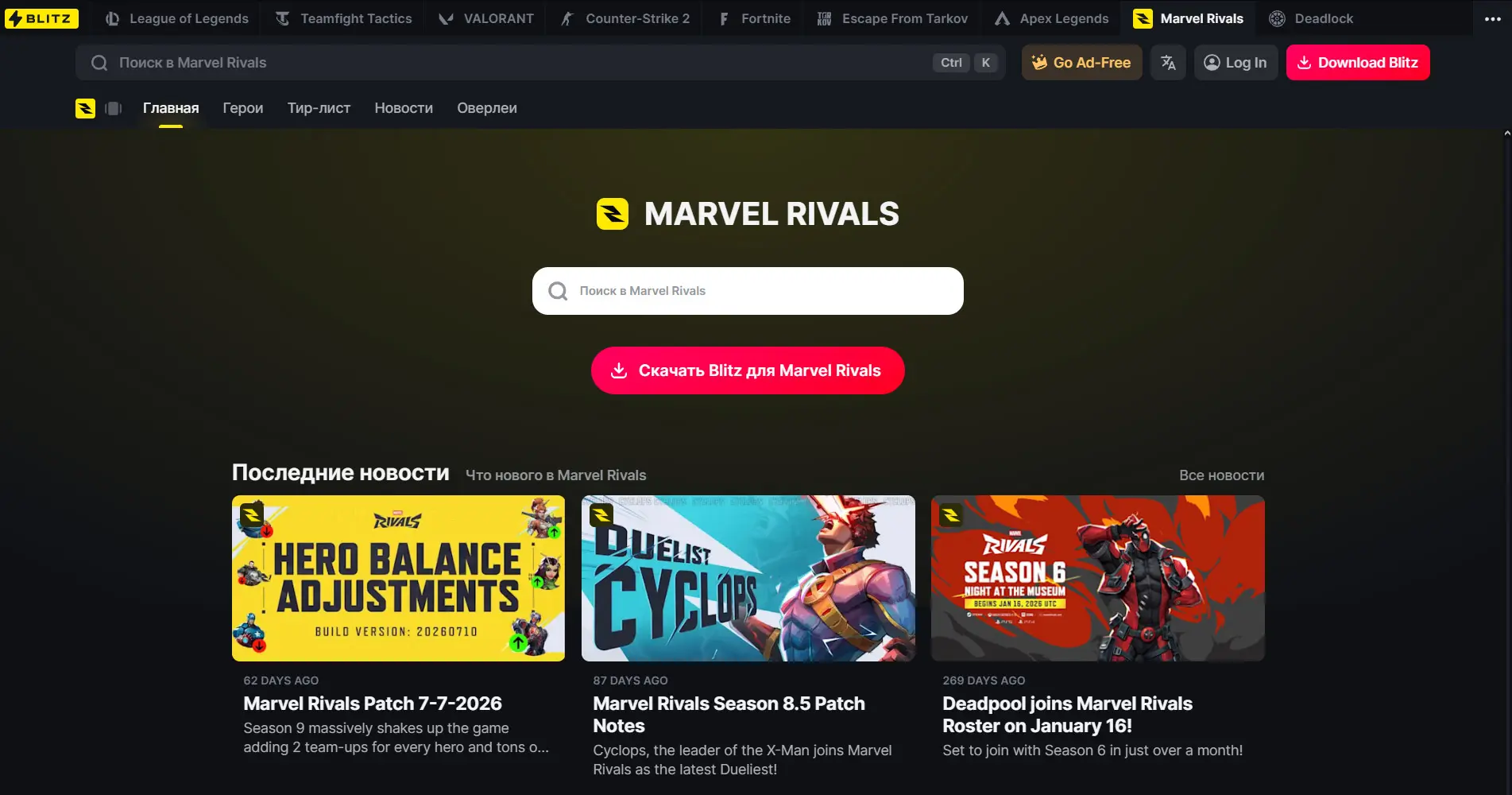
A PC app that displays stats, helps analyze matches, and tracks your personal progress while playing.
How to View Your Stats
It only takes a couple of clicks. Open one of the trackers, enter your in-game nickname, and select the desired region.
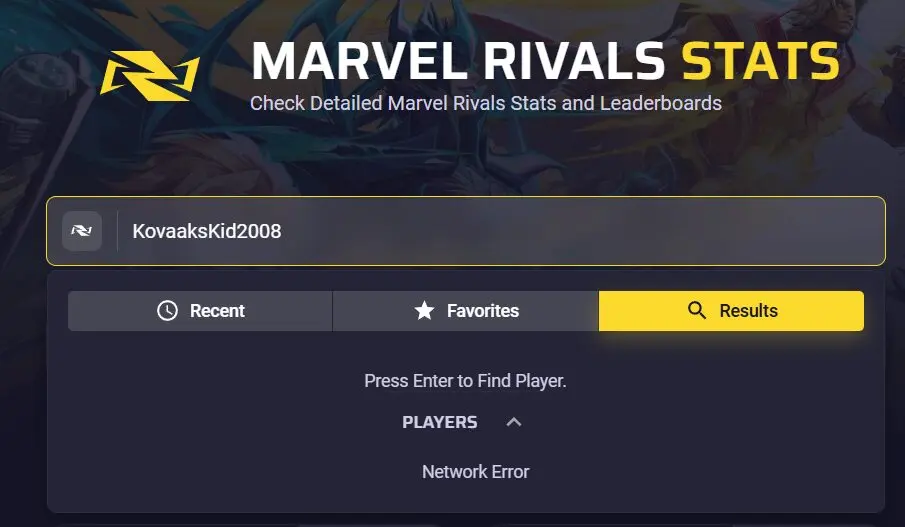
Open your profile and review your stats.
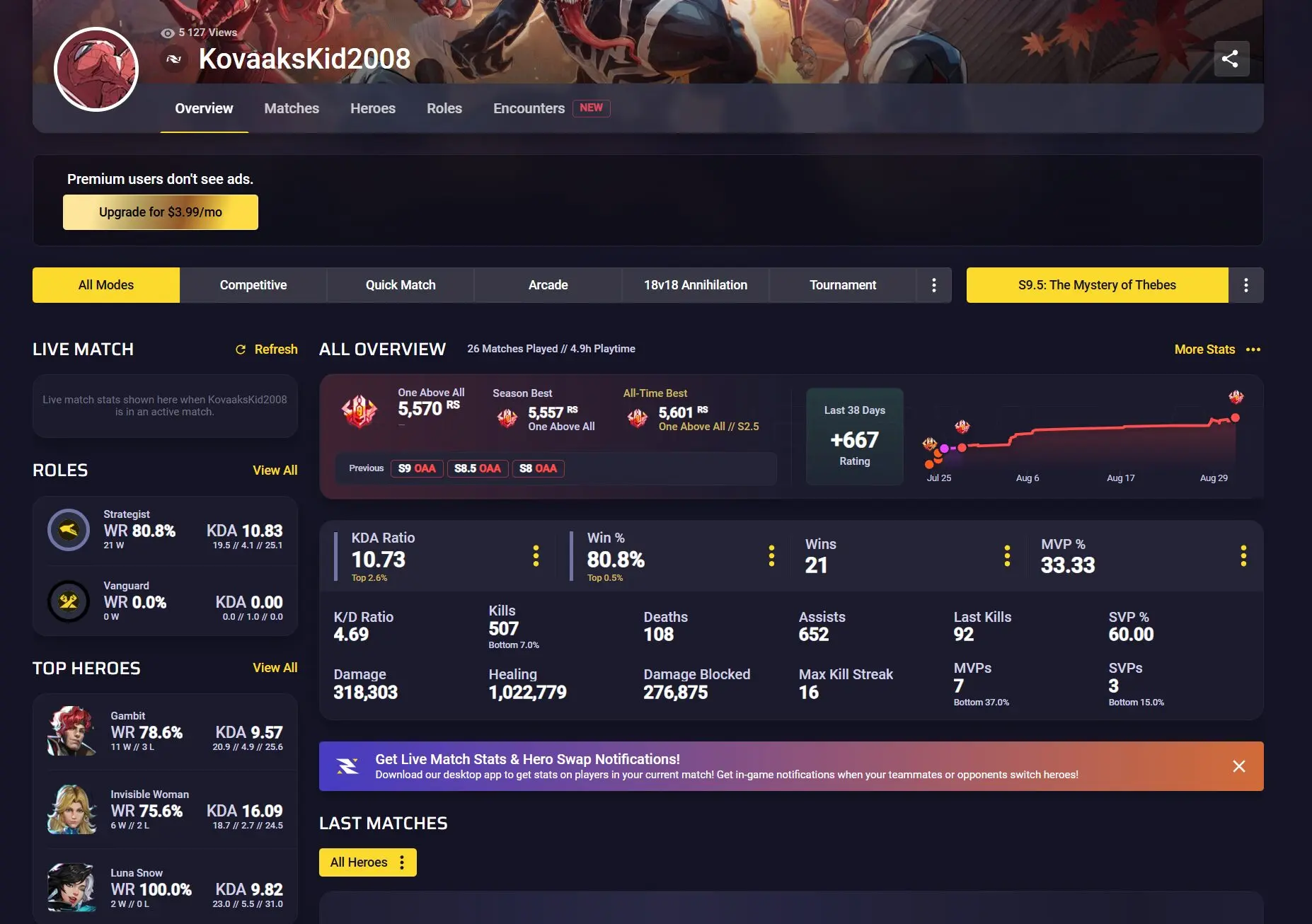
If you can’t find your profile, make sure you entered your nickname correctly and that the service has had time to update the data after your most recent matches. Sometimes the update can take a few minutes.
What are the benefits of the Marvel Rivals tracker?
The Marvel Rivals tracker helps you keep track of your stats and progress. It lets you view your current and highest rank, match history, win rate, KDA, performance on different heroes, and changes in your rating. This data makes it easier to understand which heroes you play best and why you lose more often.
The tracker is also useful before ranked matches. Some services display stats for allies and opponents, including their main roles, favorite heroes, and current rank. This helps you assess the team composition in advance, choose a suitable hero or counter-pick, and make decisions during the ban phase.
Frequently Asked Questions (FAQ)
Самый популярный — Tracker.gg, он показывает подробную статистику игроков и историю матчей.
Винрейт можно посмотреть в Tracker.gg, RivalsMeta и других сервисах статистики после поиска своего профиля.
Да, достаточно знать его игровой ник и найти профиль через трекер.
Обычно это связано с задержкой обновления данных, ошибкой в нике или временными проблемами сервиса.
Да. Большинство трекеров позволяют искать профили и просматривать основную статистику через браузер.