PUBG system requirements for PC and phone: how much does the game weigh?

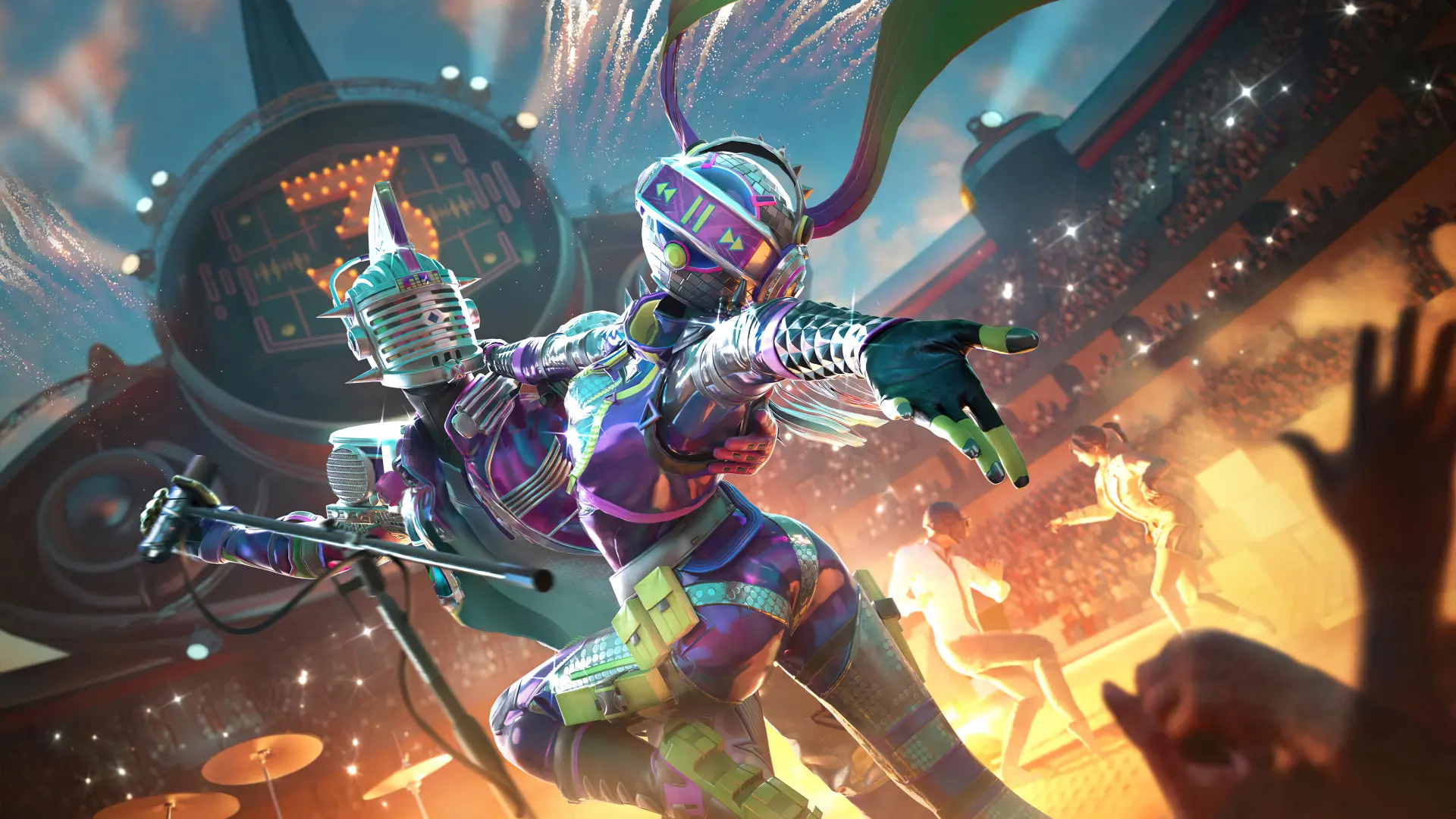
Before installing PUBG, you should check whether your device meets the system requirements and has enough free space. In this article, we’ve compiled the current requirements for PUBG on PC and PUBG Mobile, and we’ve also explained how much the game weighs and whether you can run the mobile version on a computer.
PUBG System Requirements for PC
Minimum System Requirements
These specifications will run the game on the lowest graphics settings:
- OS: Windows 10
- Processor: Intel Core i5-4430 or AMD FX-6300
- RAM: 8 GB
- Graphics Card: NVIDIA GeForce GTX 960 2 GB or AMD Radeon R7 370
- Free disk space: 40 GB
Recommended System Requirements
Settings for a comfortable gaming experience on medium graphics settings:
- OS: Windows 10
- Processor: Intel Core i5-6600K or AMD Ryzen 5 1600
- RAM: 16 GB
- Graphics Card: NVIDIA GeForce GTX 1060 3 GB or AMD Radeon RX 580
- Free disk space: 50 GB
How much space does PABG take up on a PC?
Installing PUBG requires about 50 GB of free space. The game’s size may increase after updates, so it’s recommended to have at least 60–70 GB of free space on your SSD.
PUBG Mobile System Requirements
Minimum requirements for Android:
- Android 5.1 or newer;
- at least 2 GB of RAM;
- About 2–3 GB of free space.
For a smooth gaming experience, a device with 4 GB of RAM or more is recommended.
On iPhone, the game is supported on most modern devices running the latest version of iOS. Minimum requirements:
- iPhone 6S or newer, or iPad Air 2;
- At least 2 GB of RAM;
- 15–25 GB of free storage space.
After installation, the PUBG Mobile client takes up approximately 2–3 GB; however, after downloading maps, textures, voice packs, and additional resources, the total size of the game may increase to 10–15 GB, depending on the selected components.
Can You Play PUBG Mobile on a PC?
If you specifically want to play PUBG Mobile rather than the PC version of PUBG, you can use the BlueStacks emulator. It allows you to run the mobile version with a keyboard and mouse on Windows. The emulator itself requires at least 4 GB of RAM and about 5–10 GB of free disk space; however, for a smooth gaming experience, a computer with 8 GB of RAM and an SSD is recommended.
Frequently Asked Questions (FAQ)
Для ПК потребуется минимум Windows 10, 8 Гб ОЗУ, видеокарта уровня GTX 960 или Radeon R7 370 и около 50 Гб свободного места.
Базовая установка занимает около 50 Гб, но с обновлениями рекомендуется иметь 60–70 Гб свободного места.
Около 2–3 Гб после установки и до 10–15 Гб после загрузки всех игровых ресурсов.
Да. Для этого можно использовать эмулятор BlueStacks или другой Android-эмулятор.
ПК-версия предлагает более продвинутую графику и игровой процесс, зато PUBG Mobile обеспечивает короткие катки и работу на практически любом дешёвом телефоне.