Hearthstone’s Wild mode: what it is and how it differs from Standard

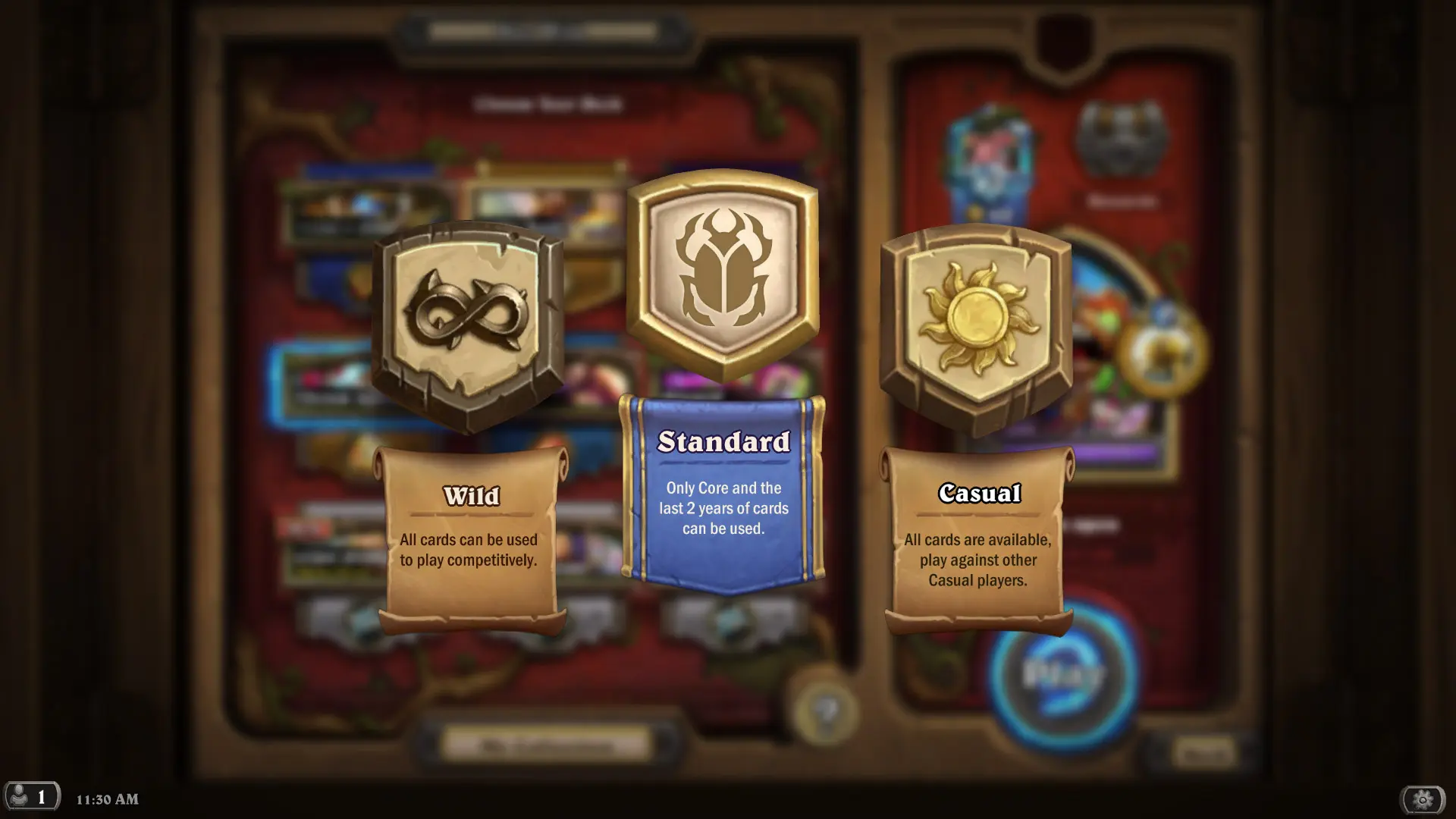
Hearthstone features several game formats, but Standard and Wild are considered the most popular. They differ in the available cards, deck strength, and how often the meta changes. In this article, we’ll explore what Wild mode is, who it’s best suited for, and which format you should choose.
What Is Hearthstone’s Wild Mode
Wild is one of Hearthstone’s main formats, in which you can use virtually every card ever released in the game. Unlike Standard, older expansions remain playable even after the annual rotation, so players can build decks using cards from different years.
Every year, three expansions leave Standard and automatically move to Wild. As a result, Wild features a huge number of cards and archetypes, and deck power levels are generally higher than in the Standard format.
Wild has its own ranked matchmaking system and its own meta. Blizzard also regularly releases balance changes to maintain deck diversity and prevent overly powerful strategies from dominating the meta. From time to time, overly powerful cards are banned even in Wild to prevent them from disrupting the meta.
How Wild Differs from Standard
| Standard | Wild |
| Only current expansions | Almost all cards |
| The meta changes with each update | You can play with decks from two or three years ago |
| Decks are usually more expensive | There are aggro decks that cost 2,000–3,000 dust |
| Fewer cards to build decks with | Countless archetypes |
How to Switch to Casual Mode
Go to the Hearthstone Ranked menu, click the Standard icon at the top above your hero, and select the Wild icon. You can play Standard decks in Wild, but Wild decks aren’t suitable for Standard play.
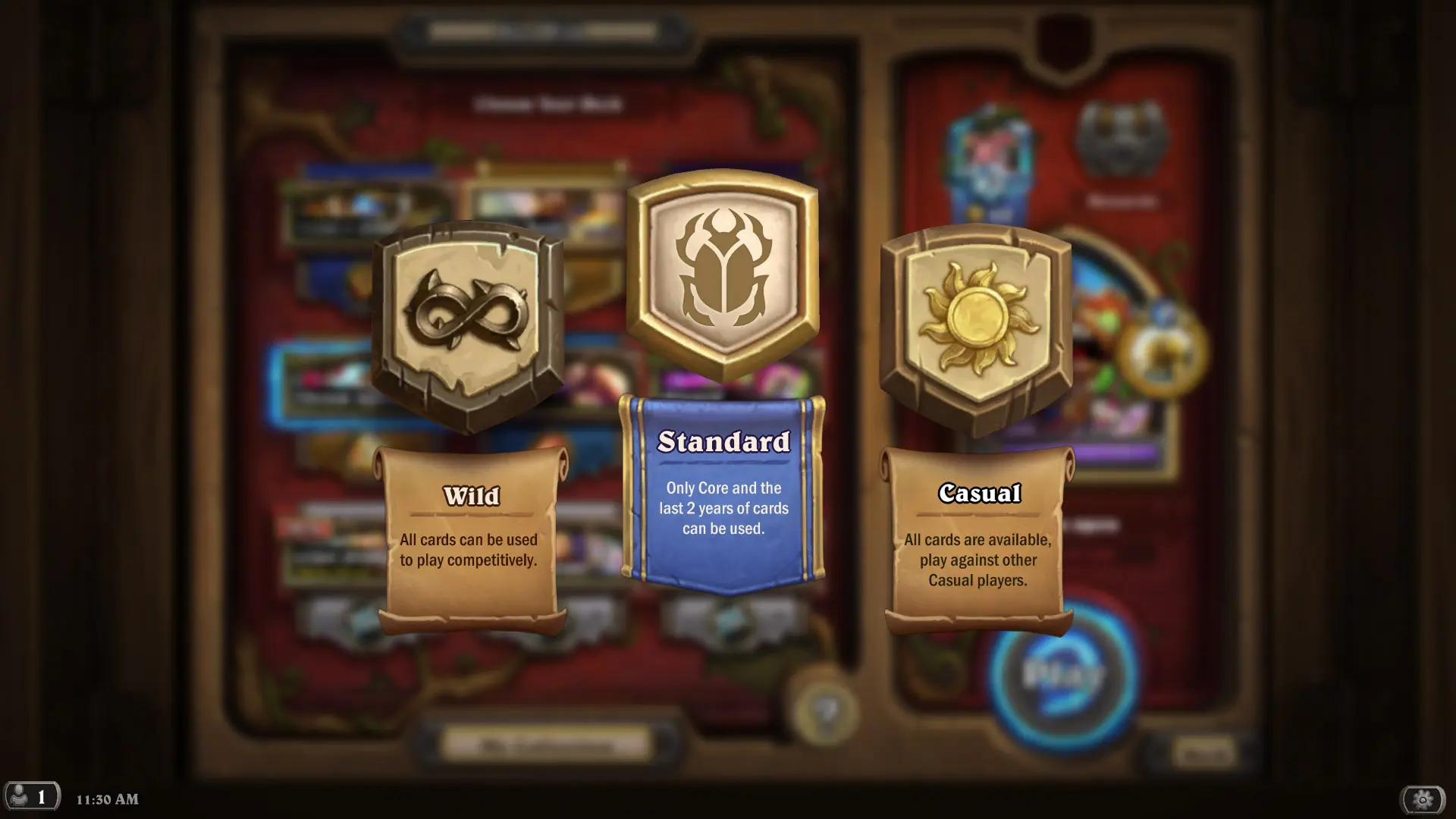
Is it worth playing in Wild mode?
Wild Mode is ideal for players who want to use older cards and experiment with unconventional decks. Thanks to the vast selection of cards, there are countless strategies here, and some archetypes remain relevant for several years.
However, beginners are usually advised to start with Standard. This format has fewer cards, making it easier to understand the meta and build a competitive deck. In Wild, the power level of decks is significantly higher, so playing without a large collection can be more challenging.
If you’ve already accumulated a lot of cards from older expansions or want to play your favorite decks from years past again, choose Wild mode. It lets you use virtually your entire collection and opens up far more opportunities to create your own strategies.
Frequently Asked Questions (FAQ)
Вольный режим — формат Hearthstone, в котором доступны практически все карты, выпущенные за всю историю игры.
В Стандарте используются только актуальные дополнения, а в Вольном — почти вся коллекция карт.
Все карты из старых дополнений и Основного набора, кроме временно запрещённых Blizzard.
Игрокам с большой коллекцией карт и тем, кто хочет использовать старые колоды.
Да. Режим бесплатный, но для сильных колод желательно иметь большую коллекцию карт.