Valorant Errors: Error Codes and How to Fix Them
When launching Valorant, players may encounter dozens of errors: the game fails to connect to servers, won’t start after an update, or displays a message about anti-cheat issues. In most cases, you can resolve the issue on your own without reinstalling the game. In this guide, we’ve compiled the most common Valorant errors and explained what to do if the game won’t launch or can’t connect to Riot’s servers.
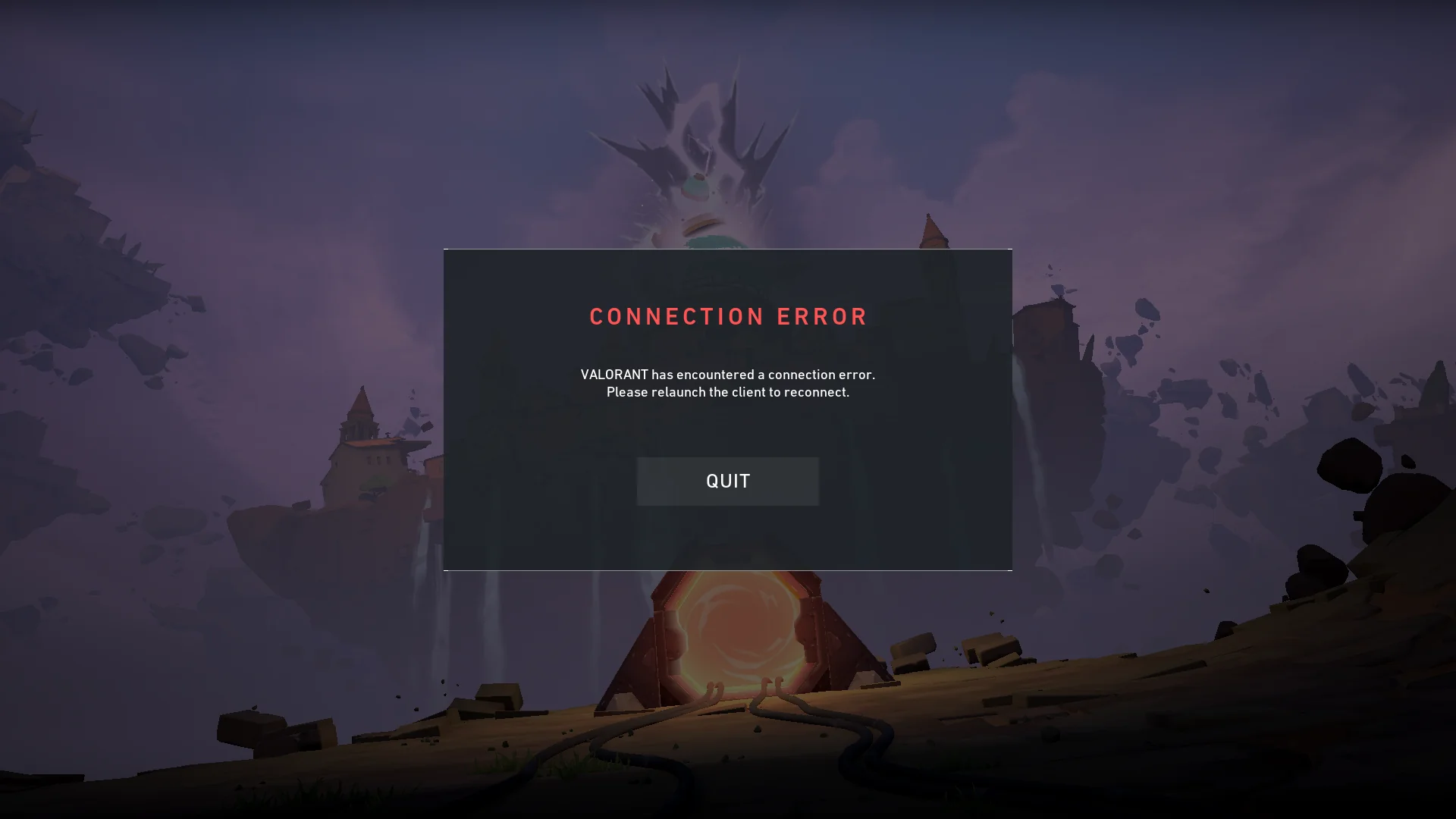
Error 9003 (VAN 9003)
This error usually occurs because Secure Boot or the Trusted Platform Module (TPM) is disabled in the BIOS. Try the following steps:
- Restart your computer and enter the BIOS;
- Enable Secure Boot;
- Enable the Trusted Platform Module;
- Save the settings and restart your PC.
Error 29
This error is related to connection issues with Riot servers or an antivirus program blocking the connection. Try the following:
- Restart your router.
- Run the Riot Client as an administrator.
- Temporarily disable your antivirus software.
- Add Valorant to the Windows firewall exceptions.
Error 43
This error means that the game client was unable to connect to the servers. You need to:
- Completely close the Riot Client via Task Manager;
- restart your computer;
- check the status of Riot's servers;
- log back into your account.
Error 79 (VAN 79)
This error occurs when there are connection issues with the game servers or during maintenance. In most cases, you should verify that the Riot servers are up and running and that the game is not undergoing an update or maintenance. Then, restart the game or wait for maintenance to complete.
Error 185 (VAN 185)
This error occurs due to a temporary authentication failure. You need to:
- log out of your Riot account;
- completely close the launcher;
- restart your computer;
- log back into your account.
Error 57 and Error 128
This error is related to the Riot Vanguard anti-cheat system. If you are not a cheater and the error occurred on its own, try the following steps:
- Restart your computer;
- Check that the Vanguard service is running;
- If the problem persists, reinstall Vanguard.
Error 51 (VAL 51)
This error indicates issues with the login queue or your connection to Riot’s services. Check to see if the Valorant servers are up and running, and if they are, wait a couple of minutes and try again.
Error 102
This error occurs when there are issues connecting to the Riot platform. You need to:
- check your internet connection;
- disable any IP-changing software;
- restart your router;
- log back into your account.
What to do if Valorant displays an unknown error
If the error code isn’t specified or isn’t listed:
- Restart your computer;
- Update Windows;
- verify the integrity of the game files;
- Reinstall Riot Vanguard;
- make sure Riot's servers are up and running.
Most Valorant errors are related to server connections or anti-cheat functionality and can be resolved in a few minutes without reinstalling the game.
Platform connection error and platform error
These errors usually mean that the client cannot connect to Riot’s servers. In most cases, the following steps help:
- Check the status of Riot’s servers.
- Restart the Riot Client.
- Clear the client cache.
- Restart your computer and router.
- Reinstall the game if the problem persists.
Frequently Asked Questions (FAQ)
Чаще всего проблема связана с античитом Riot Vanguard, повреждёнными файлами игры или временными неполадками на серверах Riot.
Большинство ошибок VAN решаются перезагрузкой компьютера, проверкой интернет-соединения или переустановкой Riot Vanguard.
Проверьте состояние серверов Riot, перезапустите лаунчер и убедитесь, что игру не блокирует антивирус или брандмауэр.
Нет. В большинстве случаев достаточно перезапустить игру, Riot Client или переустановить античит. Полная переустановка требуется редко.
После крупных патчей могут возникать временные проблемы с клиентом или античитом. Обычно помогает обновление Windows, перезапуск ПК или ожидание исправления со стороны Riot Games.