Valorant Sights: Codes, Best Sights, How to Copy, Esports Players’ Settings
In Valorant, your crosshair affects your shooting comfort just as much as your mouse sensitivity. Some players choose a small dot, others use a classic crosshair, and some copy esports players’ crosshairs exactly. This guide compiles the best Valorant crosshairs, crosshairs used by Valorant players, and ready-made codes that you can import into the game in just a few seconds. We’ll also explain how to set up a dot crosshair in Valorant and how to copy another player’s crosshair.
What Is a Crosshair in Valorant and How Does It Affect Gameplay
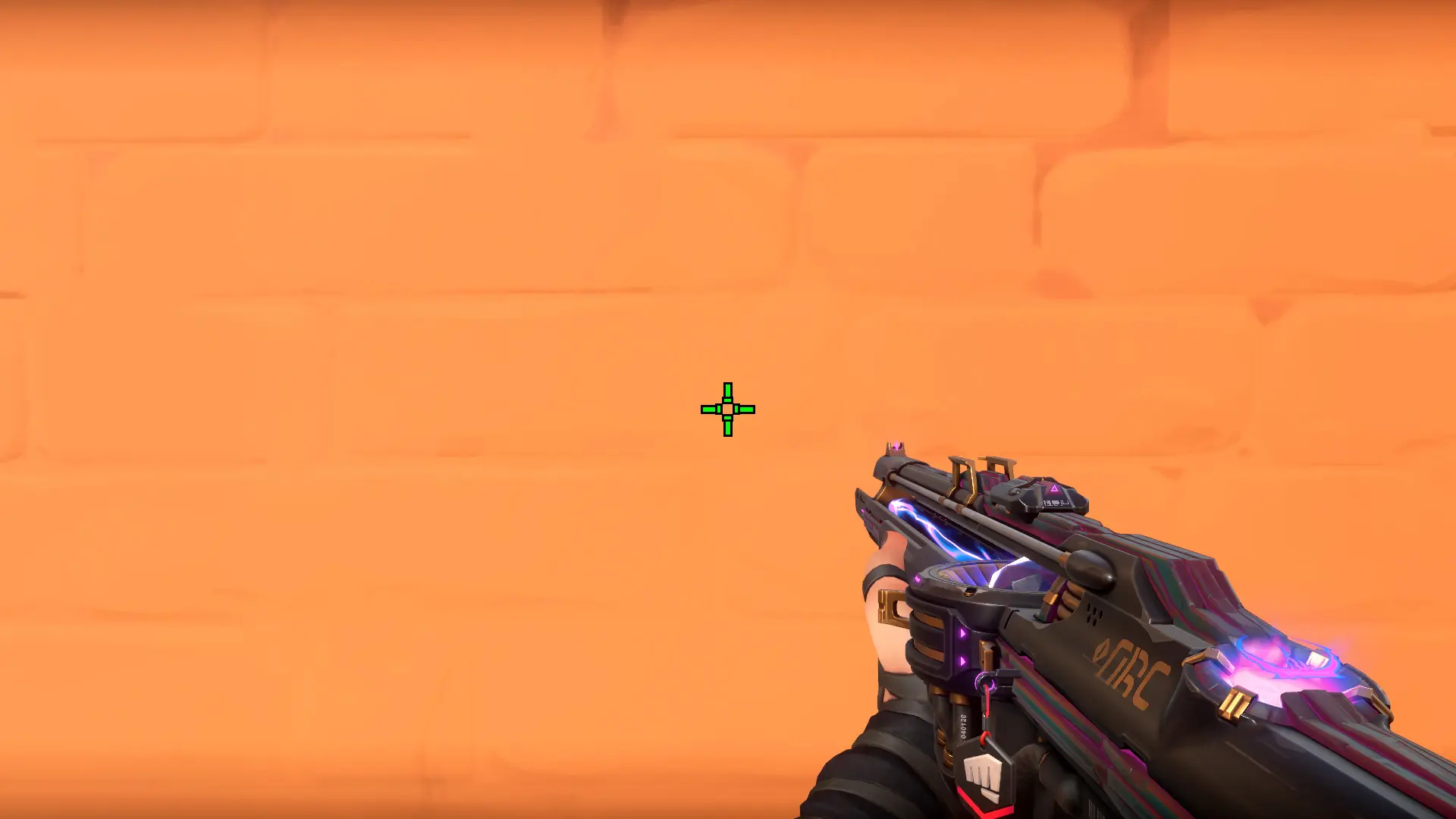
Crosshairs in Valorant are fully customizable—you can change their shape, size, color, and line thickness, and add a center dot. The crosshair itself doesn’t affect shooting accuracy or weapon recoil. However, a well-chosen crosshair helps you spot enemies faster and aim more accurately. That’s why many players use small crosshairs or copy the settings of professional esports players.
How to Change Your Crosshair in Valorant
You can change the crosshair in Valorant through the game settings:
- Launch Valorant.
- Click the gear icon in the upper-right corner.
- Select “Settings.”
- Go to the “Sights” tab.
- Select one of the existing profiles or create a new one.
- Adjust the settings as desired: color, line thickness, transparency, center dot, and other options.
- Close the menu—your changes will be saved automatically.
In the “Sights” tab, you can create multiple profiles for different types of weapons or gameplay situations. For example, you can use one crosshair for regular gameplay and another exclusively for sniper rifles. This way, you can switch to a preset every time you change weapons.
How to Copy a Crosshair in Valorant
In Valorant, you can import someone else’s crosshair using a special code. This lets you quickly set up the crosshair of your favorite esports player or friend without having to manually adjust dozens of settings.
To copy a crosshair in Valorant:
- Launch the game.
- Click the gear icon and open “Settings.”
- Go to the “Sight” tab.
- Click the “Import Profile Code” button next to the crosshair list.
- Paste the crosshair code into the window that appears.
- Click “Import.”
After that, the new crosshair will appear in the profile list, and you can use it right away or manually adjust individual settings.
Valorant Pro Players’ Sights: Import Codes
You can copy esports players’ sight codes and apply them to your own game.
| Player | Code |
| Tyson “TenZ” Ngo | 0;s;1;P;c;5;o;0;f;0;0l;2;0v;2;0g;1;0o;1;0a;1;0f;0;1b;0 |
| Zachary “Zekken” Patroine | 0;s;1;P;c;1;t;2;o;1;d;1;0b;0;1b;0;S;b;1;c;8;s;0.823 |
| Jason “f0rsaken” Susanto | 0;p;0;c;1;s;1;P;h;0;f;0;s;0;0l;3;0v;3;0g;1;0o;0;0a;1;0f;0;1b;0;A;o;1;d;1;0b;0;1b;0;S;d;0 |
| Max “Demon1” Mazanov | 0;p;0;s;1;P;o;1;f;0;0t;1;0l;3;0o;2;0a;1;0f;0;1b;0;A;o;1;0t;1;0l;3;0o;2;0a;1;0f;0;1b;0;S;c;1;o;1 |
| Ilya “something” Petrov | 0;s;1;P;h;0;0l;2;0o;1;0a;1;0f;0;1b;0;S;c;0;s;0.713;o;1 |
| Eric “aspas” Santos | 0;s;1;P;o;1;d;1;0b;0;1b;0;S;c;0 |
| Wang “Jinggg” Jingjie | 0;s;1;P;c;8;u;FF99FFFF;o;1;b;1;f;0;0l;3;0o;2;0a;1;0f;0;1b;0;S;c;5;o;1 |
You can also check the description under your favorite streamer’s stream and copy their settings. Or you can customize the copied settings yourself.
How to Enable Multiple Crosshair Profiles
Valorant lets you create multiple crosshair profiles and quickly switch between them. This is handy if you use different crosshairs for normal mode, sniper rifles, or specific agents.
To create a new profile:
- Open Settings.
- Go to the “Sight” tab.
- Click the “Create Crosshair Profile” button at the top of the window.
- Configure a new sight or import a pre-made code.
- If necessary, create a few more profiles.
You can switch between profiles in this same menu. The game also lets you assign separate profiles for primary weapons, aim, and sniper rifles.
Why a sight in Valorant won’t import
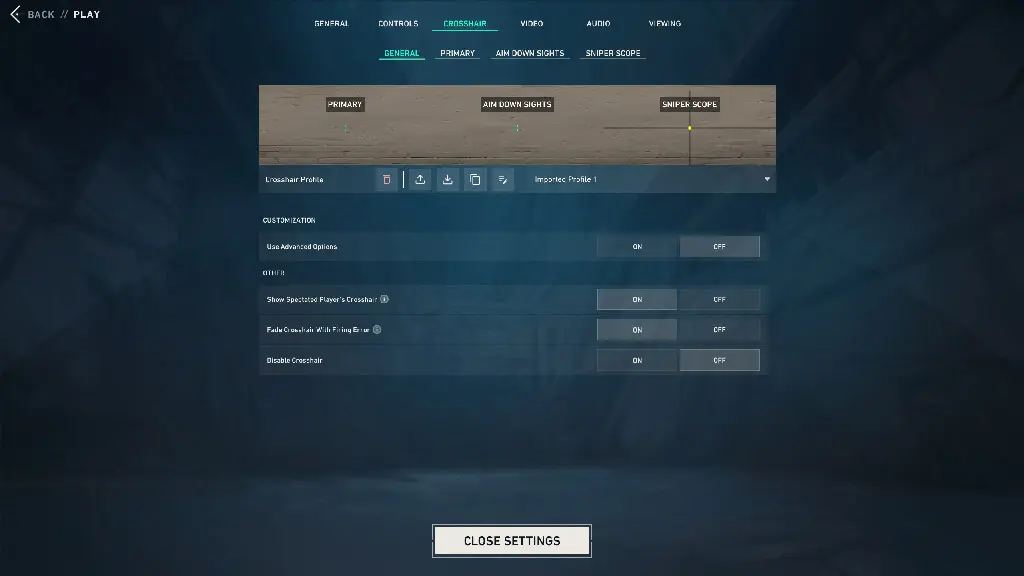
If a sight code won’t import, the problem is usually due to an incorrect format or an outdated code. Some older codes stop working after game updates.
Also, make sure that:
- the sight code has been copied in its entirety;
- there are no extra characters or spaces in the code;
- you’re not using a version of the game that’s too old;
- there isn’t a temporary game glitch.
If the crosshair doesn't import, try copying the code again, restarting the game, and making sure the game is updated to the latest version.
How to reset the crosshair settings
If you want to revert to the default crosshair, go to “Settings” > “Crosshair” and select the desired profile. Then click the “Reset Profile” button or manually disable the advanced settings and restore the default values.
You can also delete the current crosshair profile and create a new one. This is useful if, after experimenting with codes and settings, the crosshair has become uncomfortable to use or is displayed incorrectly.
Frequently Asked Questions (FAQ)
Универсального лучшего прицела нет. Большинство игроков используют небольшой статичный крест или точку, потому что они не закрывают модель противника и помогают точнее целиться.
Скопируйте код прицела, откройте «Настройки» — «Прицел» и нажмите «Импортировать код профиля». После этого вставьте код и подтвердите импорт.
Откройте настройки прицела, отключите внутренние и внешние линии и включите центральную точку. При необходимости настройте её размер и прозрачность.
Да. На PlayStation и Xbox система кодов прицелов работает так же, как и на ПК. Код можно импортировать через меню настроек.
Нет. Выбор прицела зависит от ваших предпочтений и стиля игры. Один и тот же прицел может подойти для большинства агентов, но универсального варианта для всех игроков не существует.